
Logs
This guide will cover the essential steps to navigate through the "Logs" field on Bolt EV. Here, we can see the logs from the chargers, e.g. the initiation of the charging process.

Aggelos Moisakis
Last Update hace 2 años
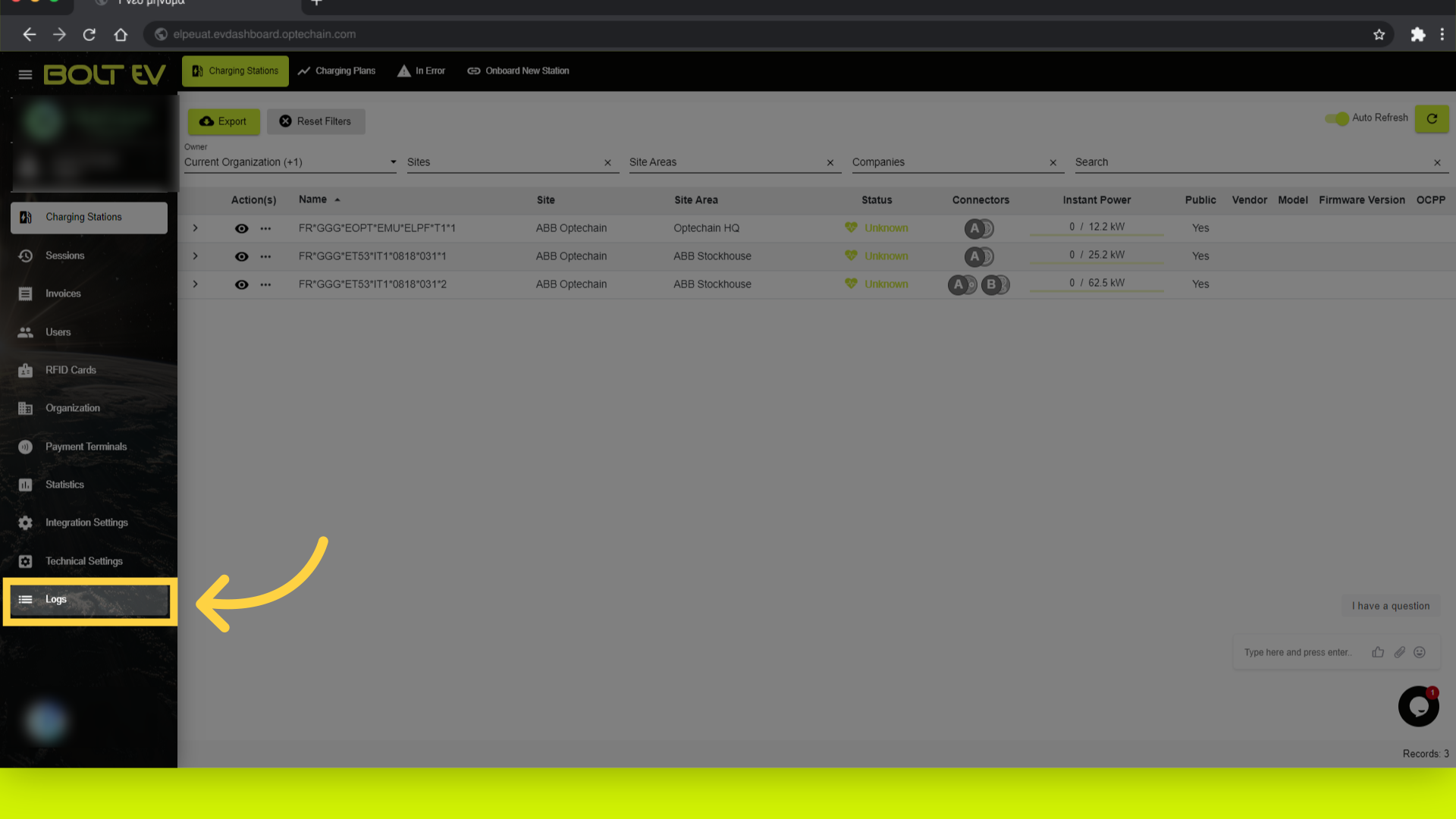
1. Click "Logs"
Click on the "Logs" field from the menu, on the left side bar.
2. Logs main page
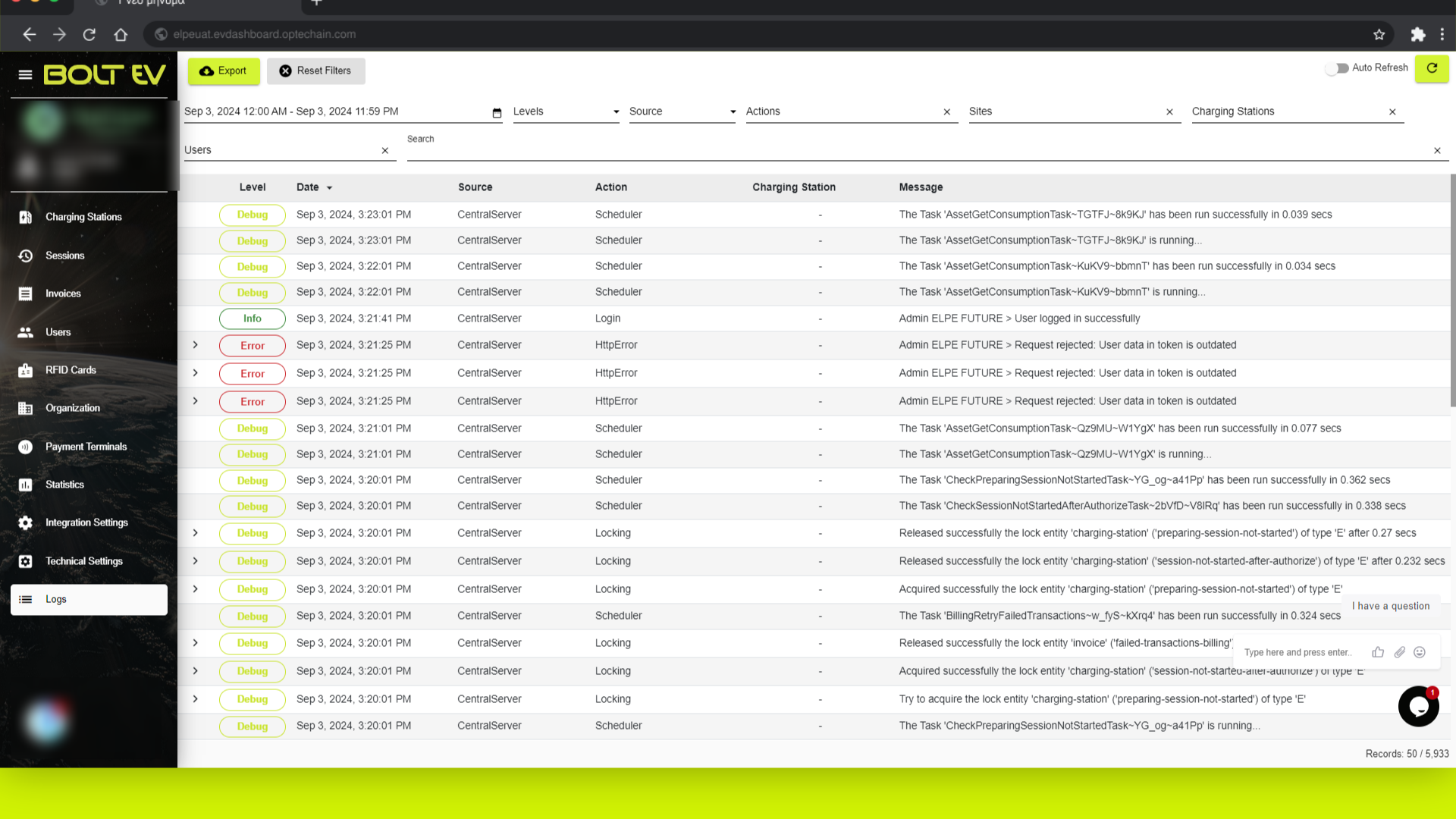
In this page we can see in detail all the logs recorded on the system, regarding the charging stations.
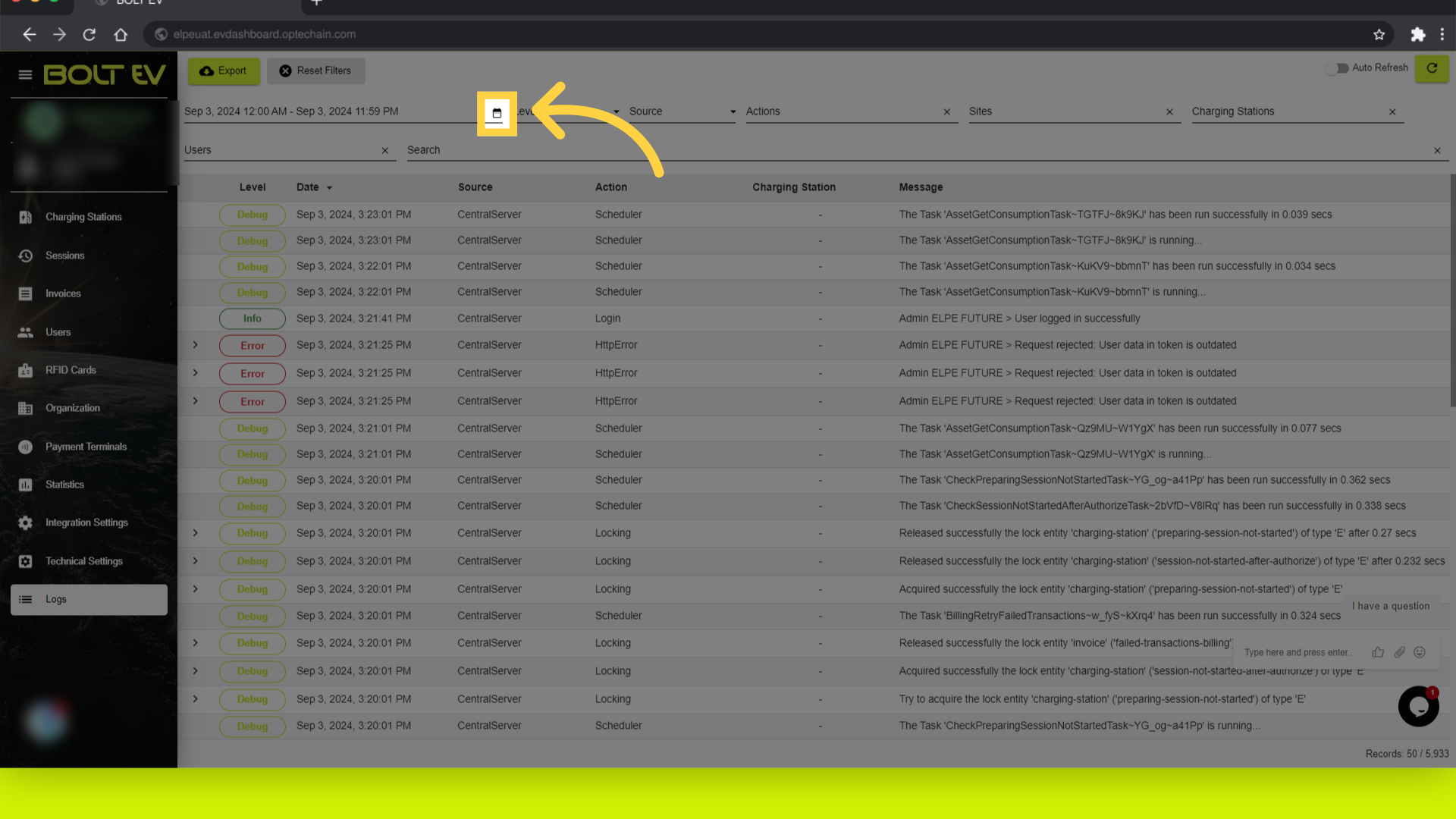
3. Search by Date
We can search by date.
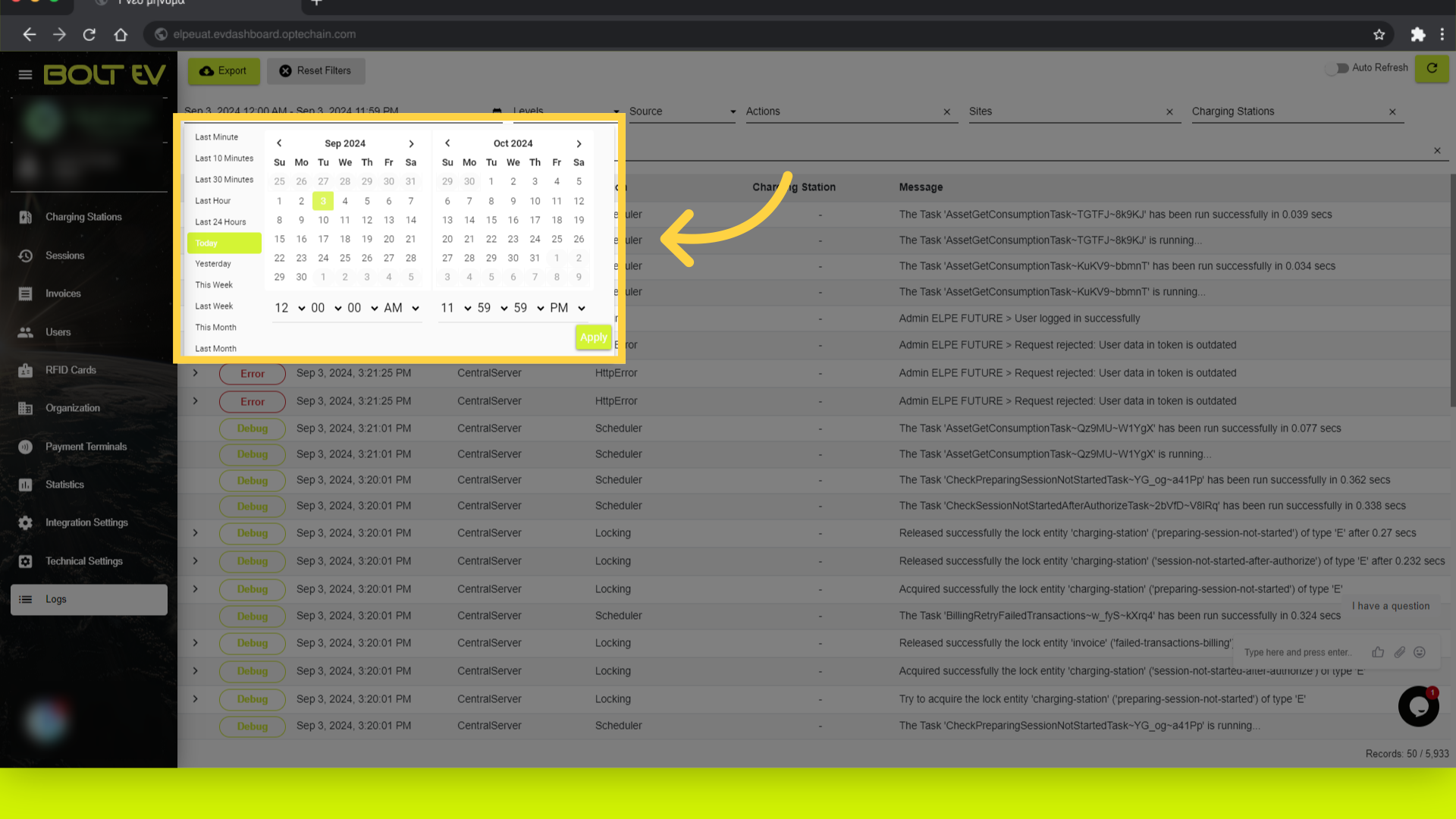
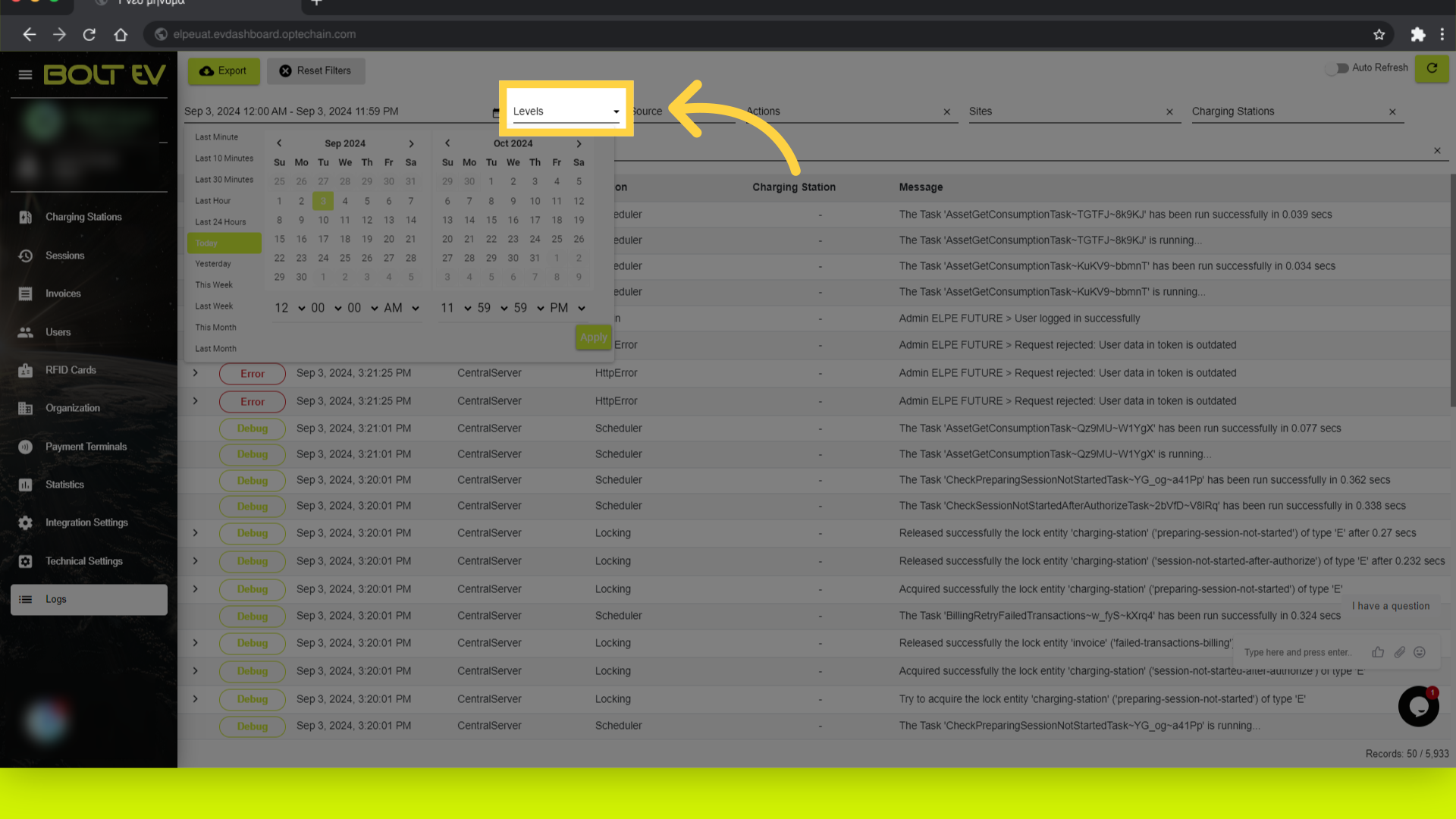
4. Click "Apply"
We can choose the selected period of time we want take the results.
5. Click "Levels"
Access the levels section.
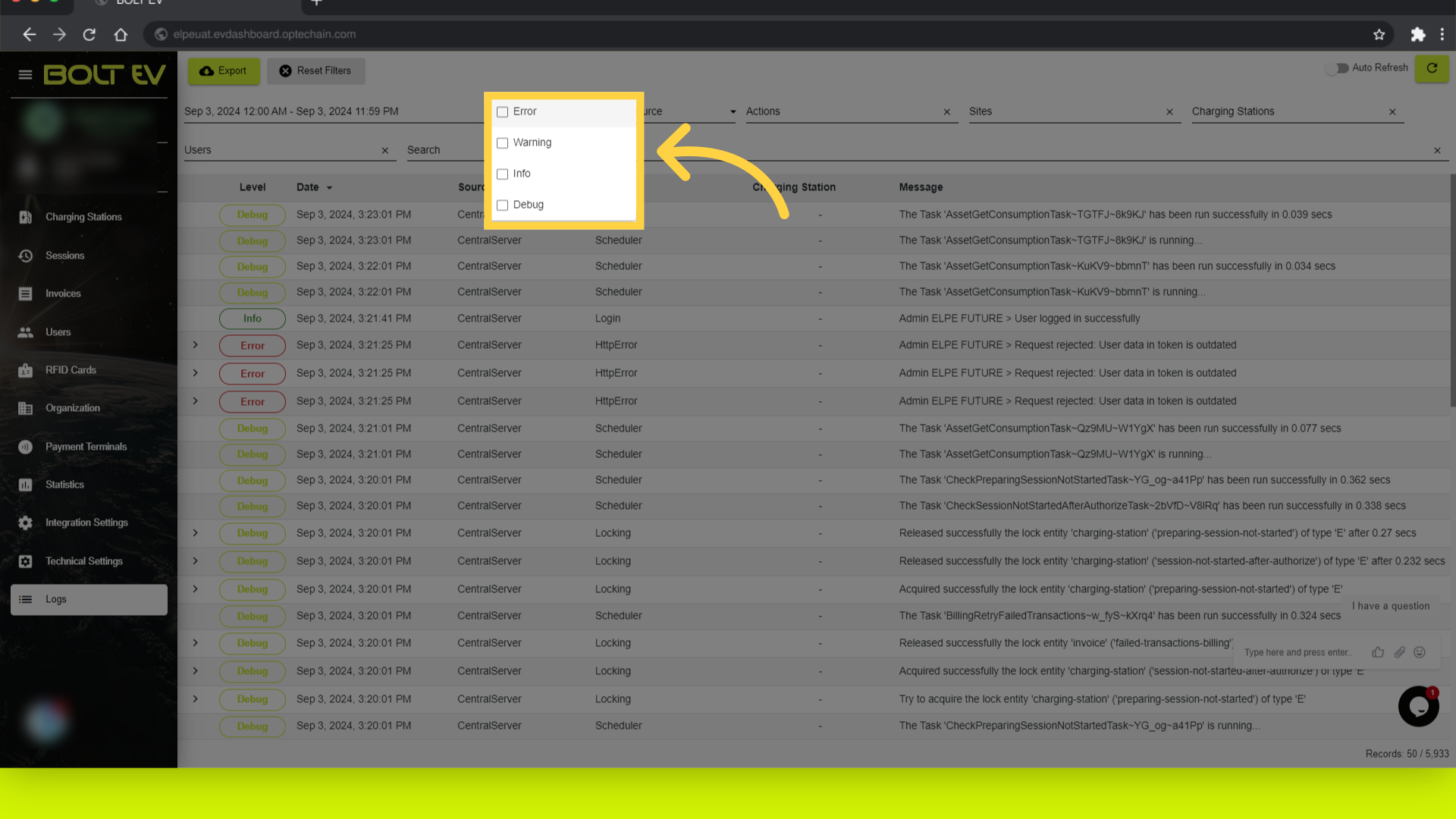
6. Levels
Navigate to a specific level section, to take results.
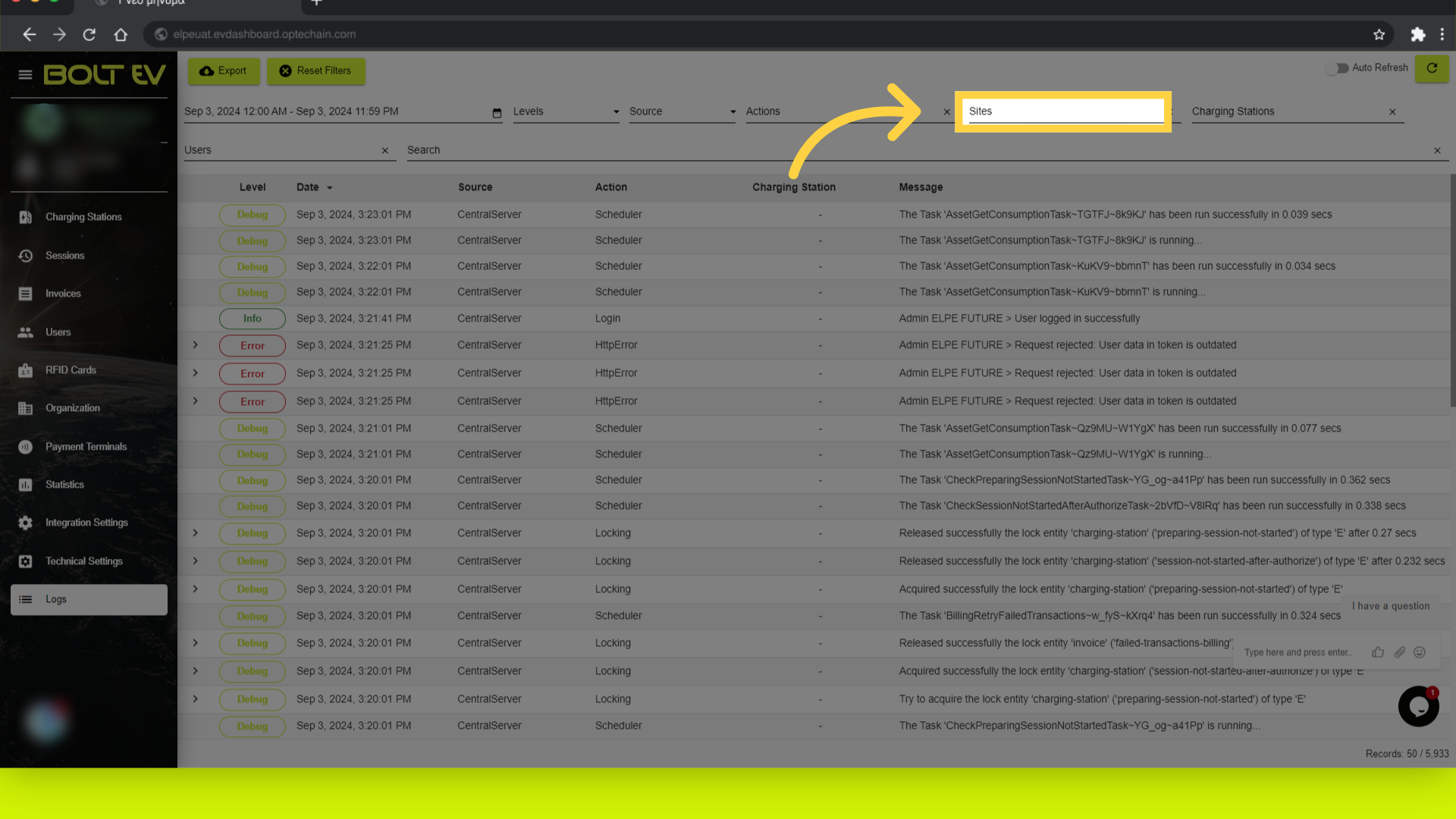
7. Click "Sites"
Access the sites section. Here we can filter results according to the site area of the charger.
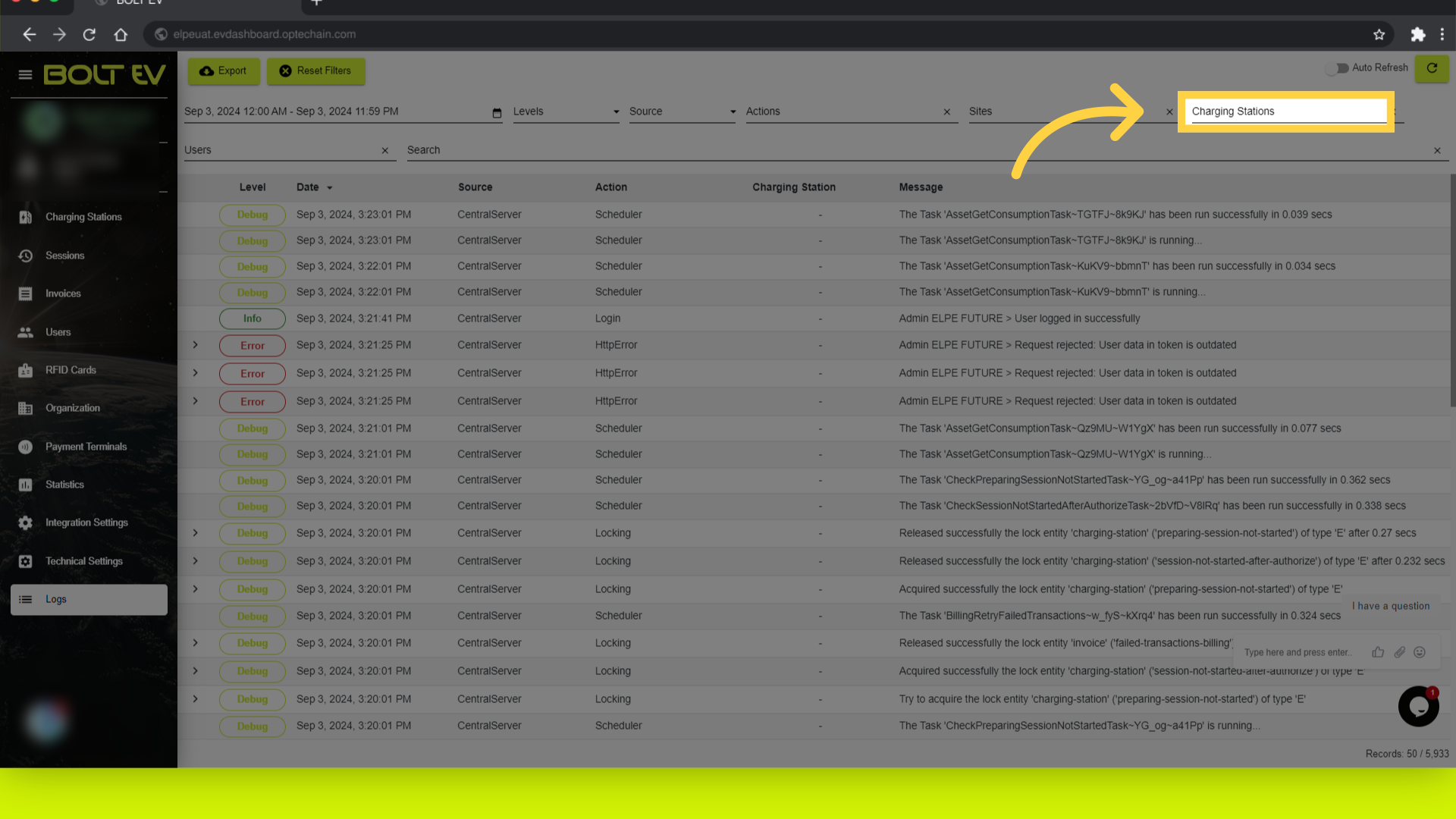
8. Click "Charging Stations"
Access the charging stations section. Here we can choose the specific charger that we want the results from.
This guide covers navigating logs in Bolt EV platform. Thank you for your attention, I hope to see you on the next one!