
Payment Terminals (POS)
This guide will walk you through key actions in the Payment Terminal (POS) tab on Bolt EV platform

Kostas Gardikiotis
Last Update 2 years ago
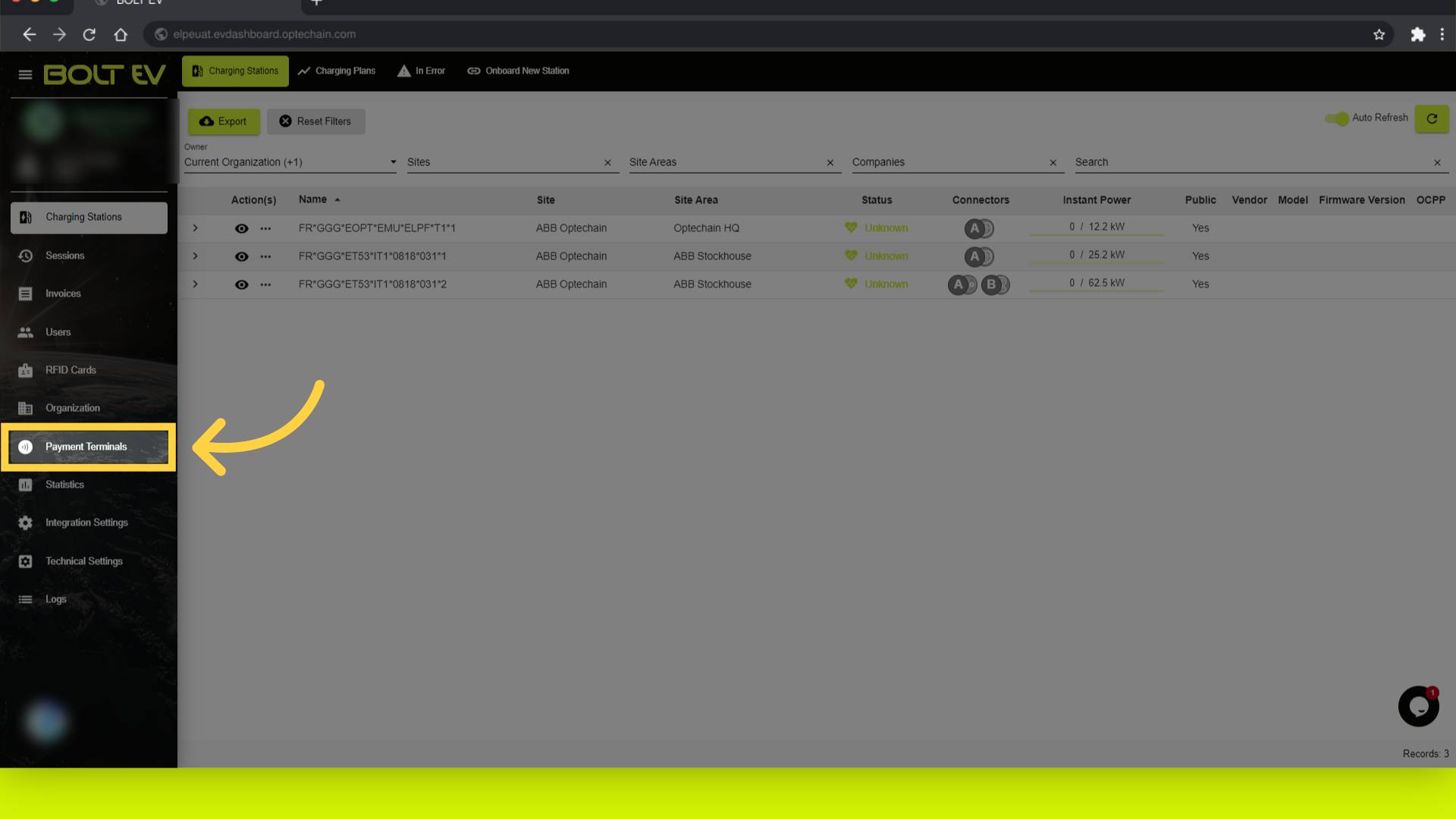
1. Click "Payment Terminals"
Access the Payment Terminals section by cklicking on the left bar.
2. Payment terminals main page
Here we can see the main information about Payment Terminals, such as status, name, serial number and the connection status
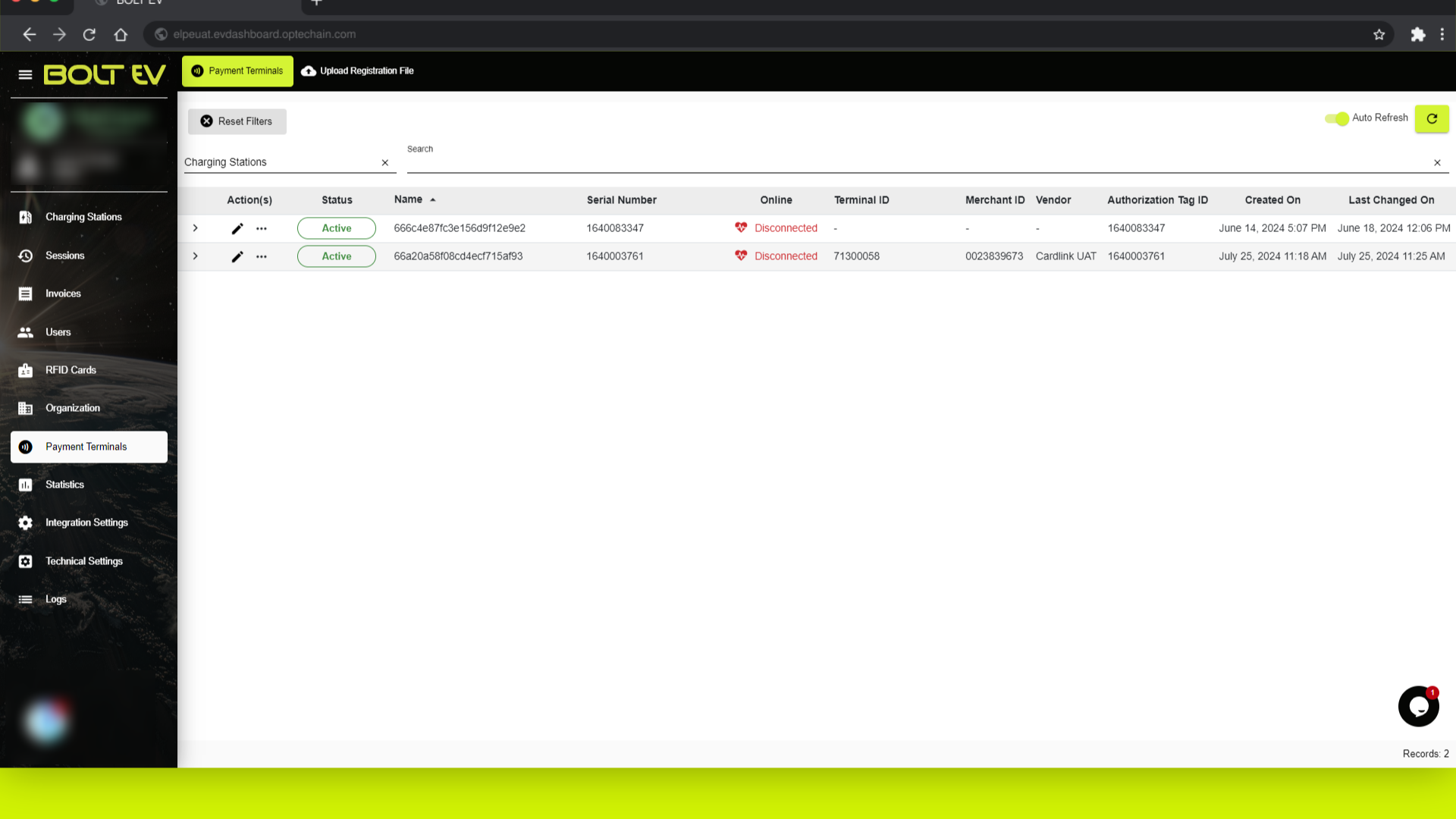
3. Click "Status"
First of all, we can see the status of the device, if it's active or not.
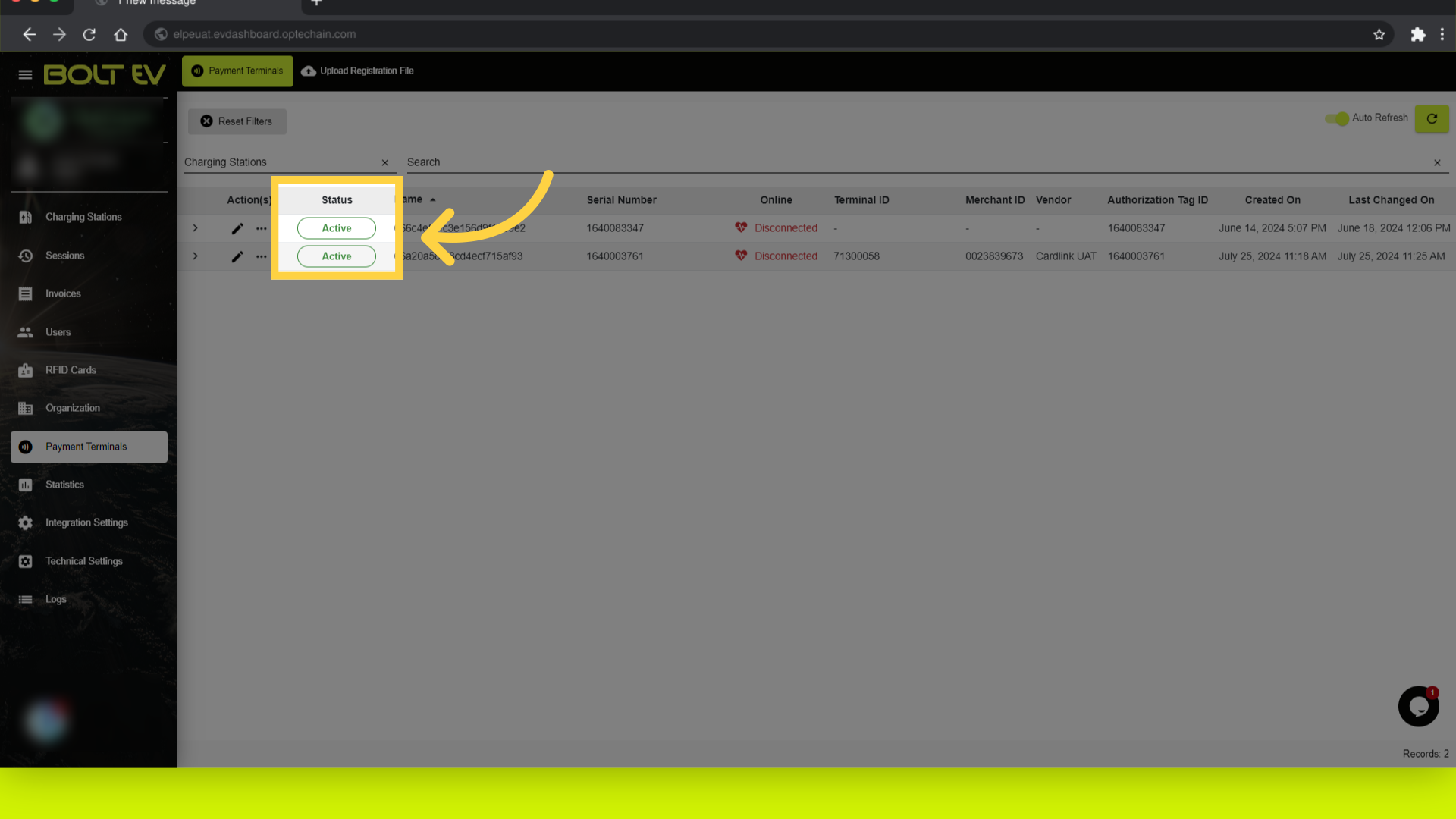
4. Click "Name"
Next to the status bar, we can see the serial number name and the name of the device.
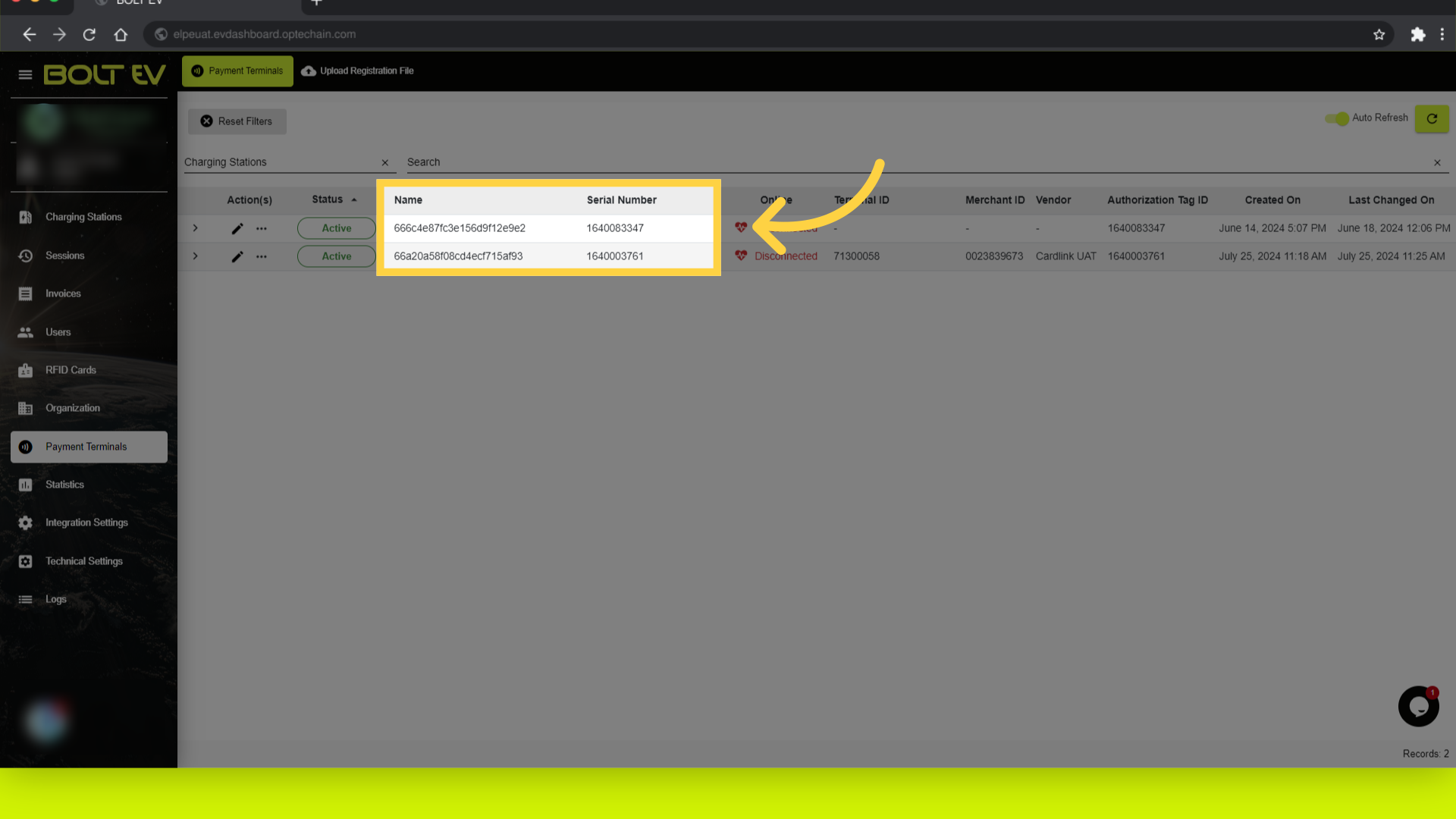
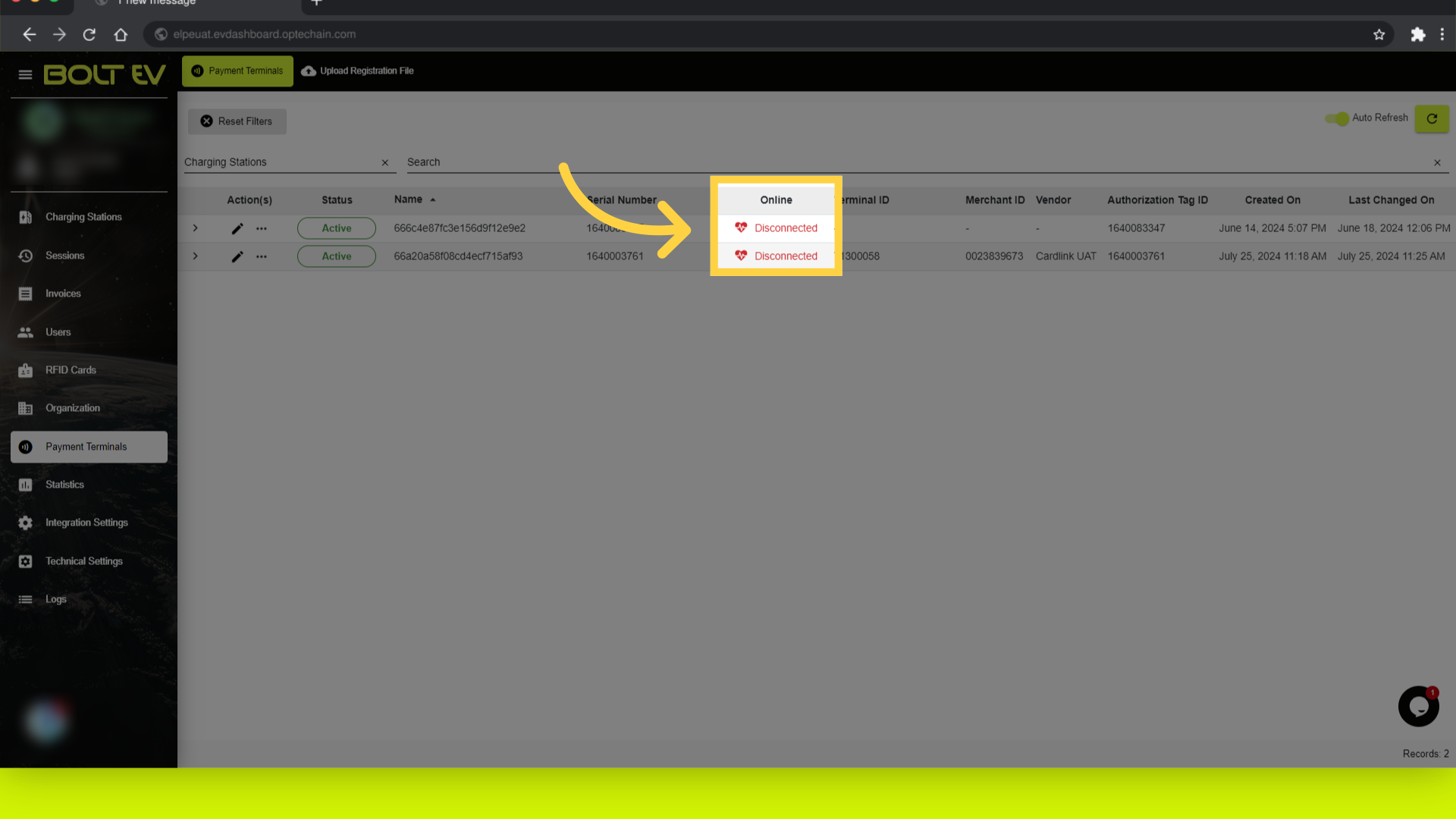
5. Click "Online"
Then, we can see the connection status of the device.
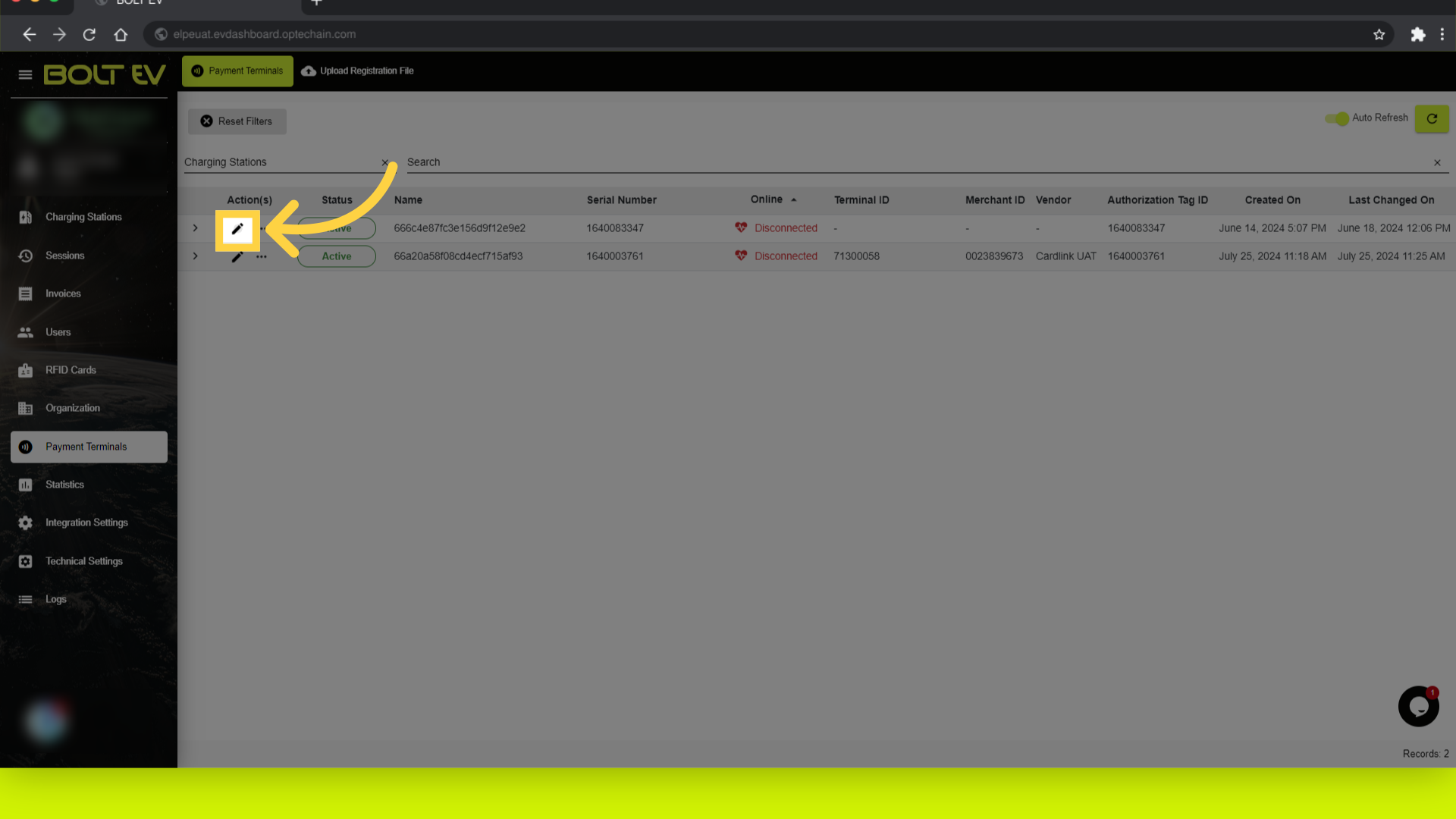
6. Click "edit"
The next step is to click on edit button.
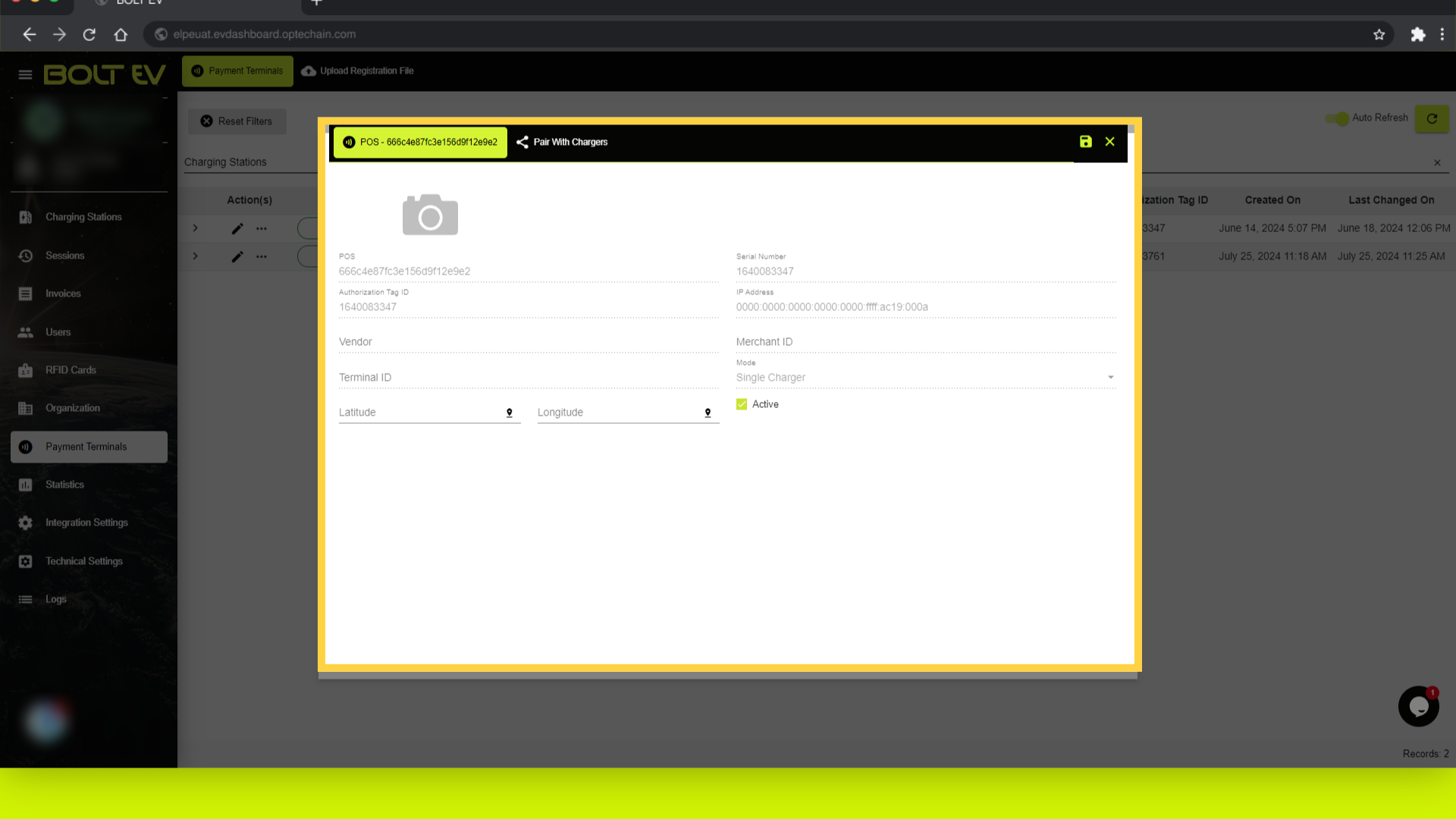
7. POS Details
View and edit terminal details.
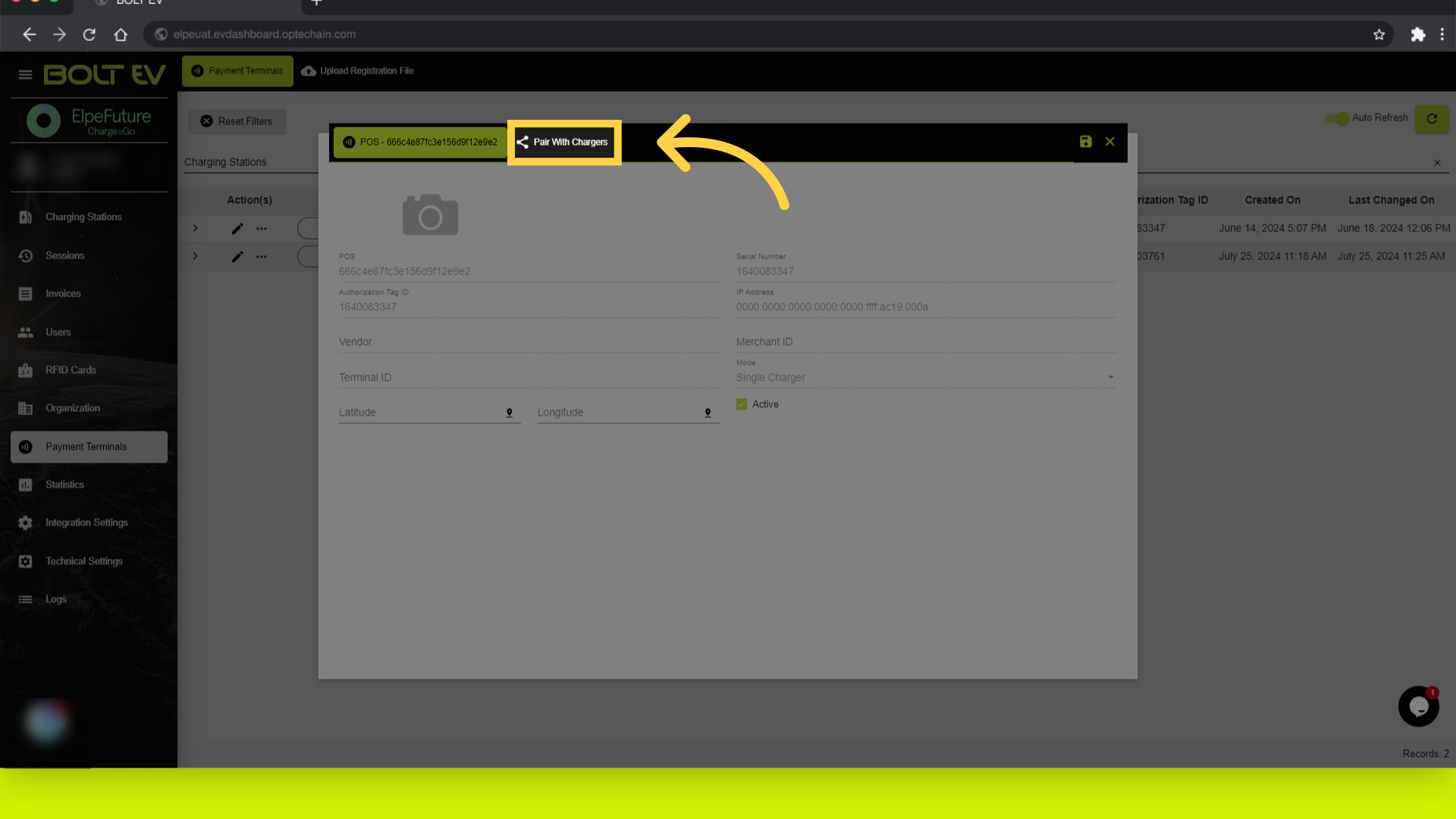
8. Click "Pair With Chargers"
Pair the terminal with chargers.
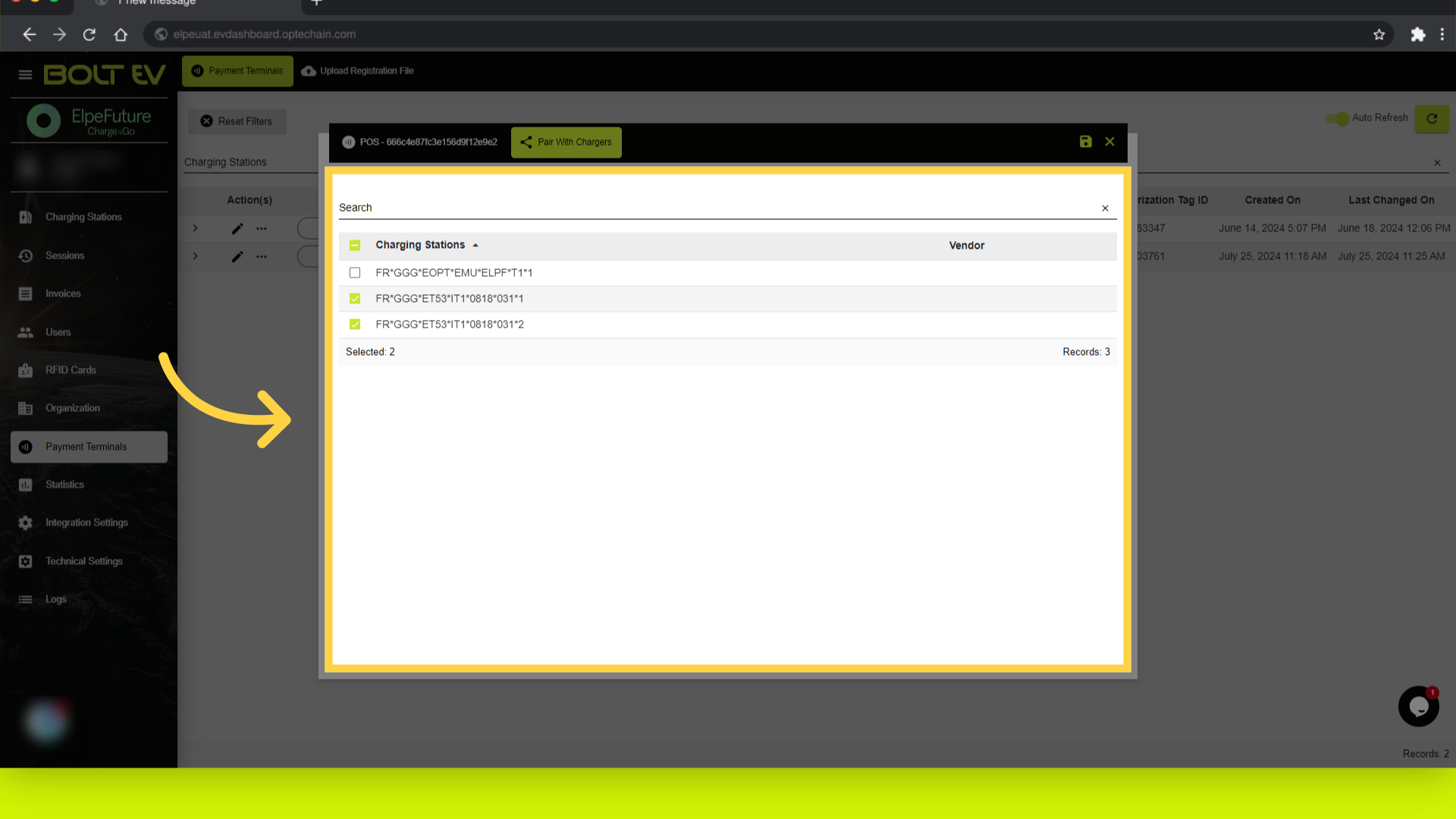
9. Select the charging station
Search and select charging stations.
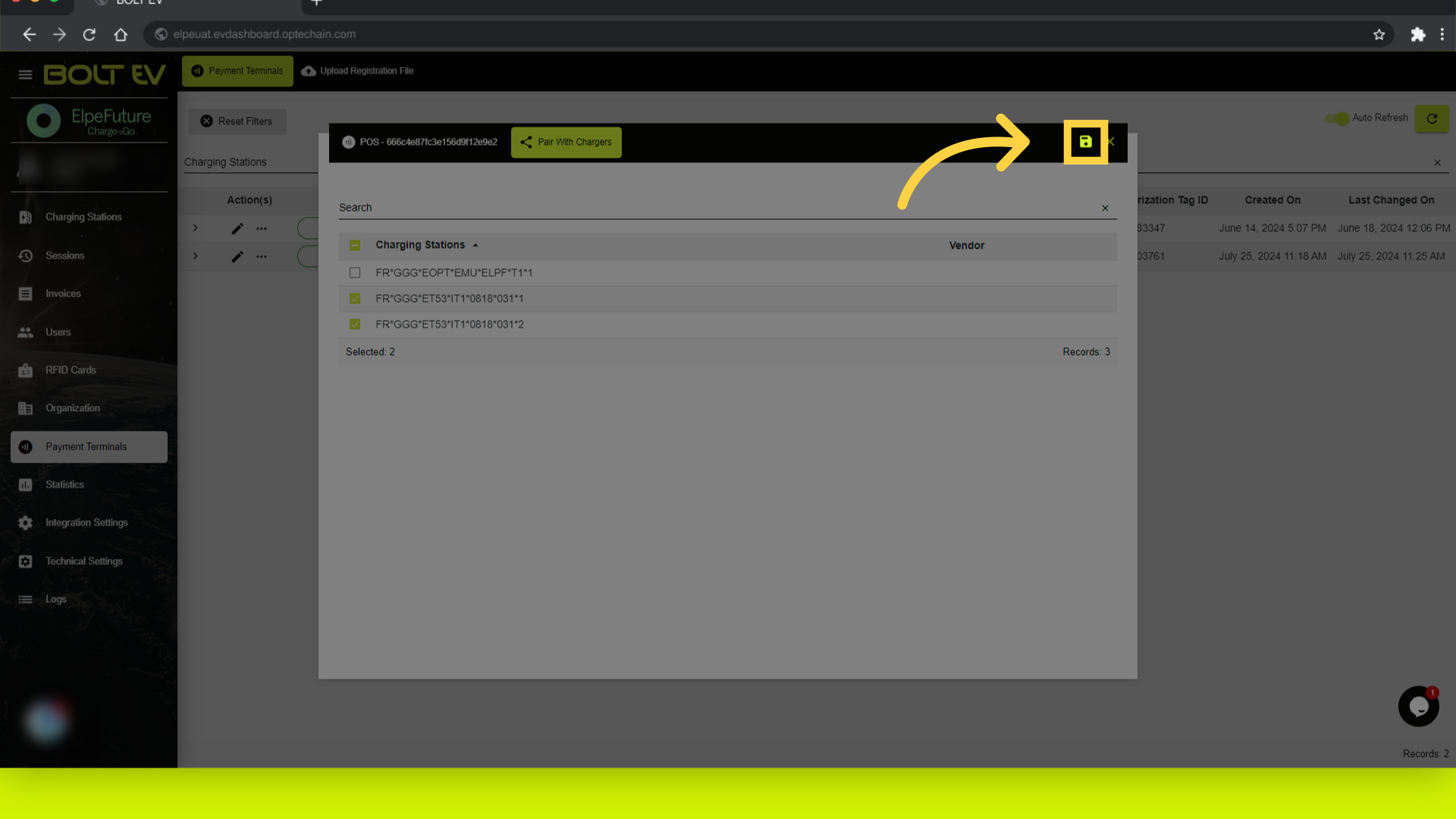
10. Click "save"
Save the changes made to the terminal.
This guide covered the steps of how to access, view, edit terminal details, manage terminal status, and pair payment terminals with chargers in the Bolt EV platform. Thank you for your attention, I hope to see you on the next one!