
How to create a new user
This guide will walk you through the process of creating a new user in Bolt EV application.

Aggelos Moisakis
Last Update 2 anni fa
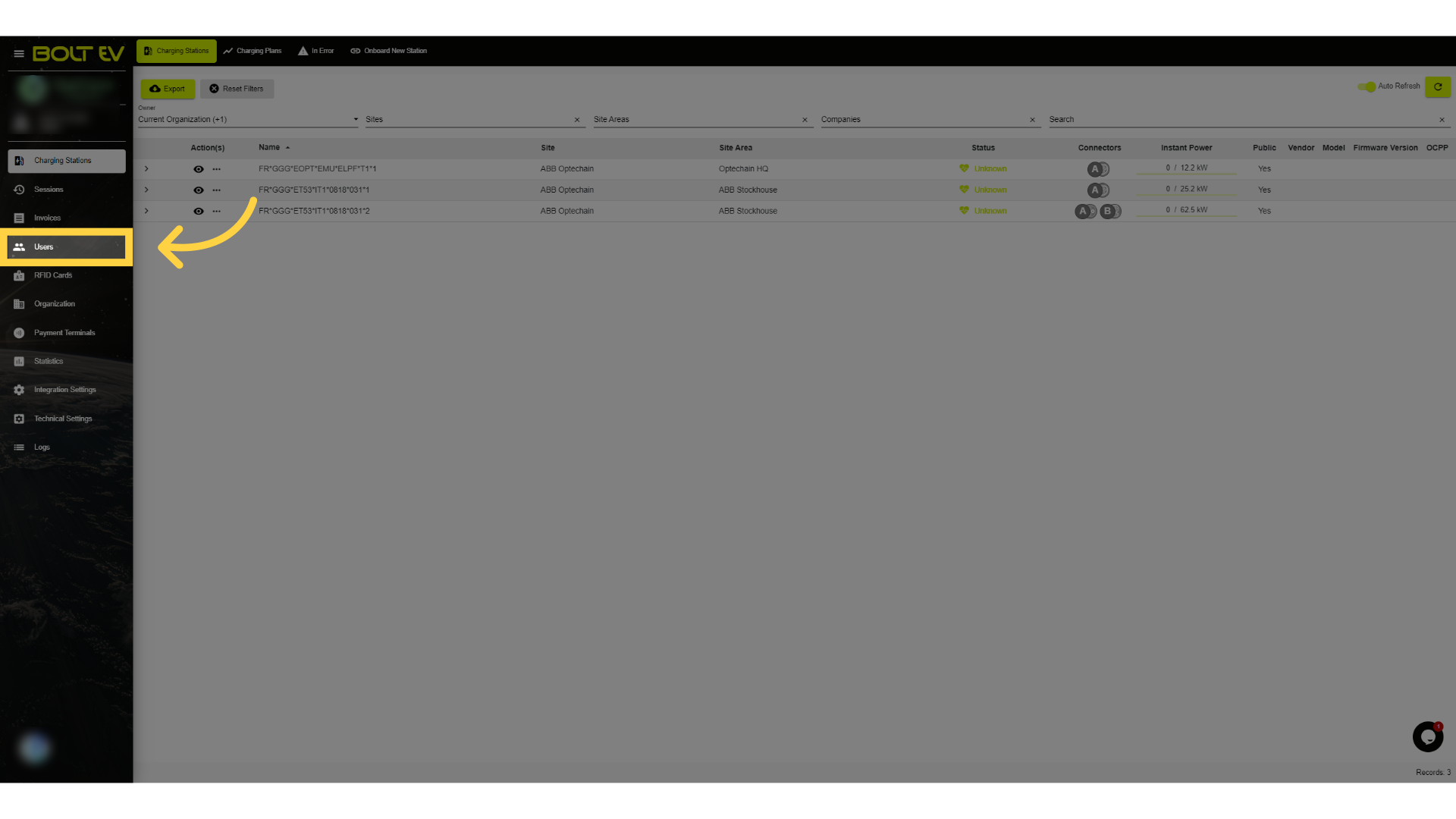
1. Click "Users"
Access the user section.
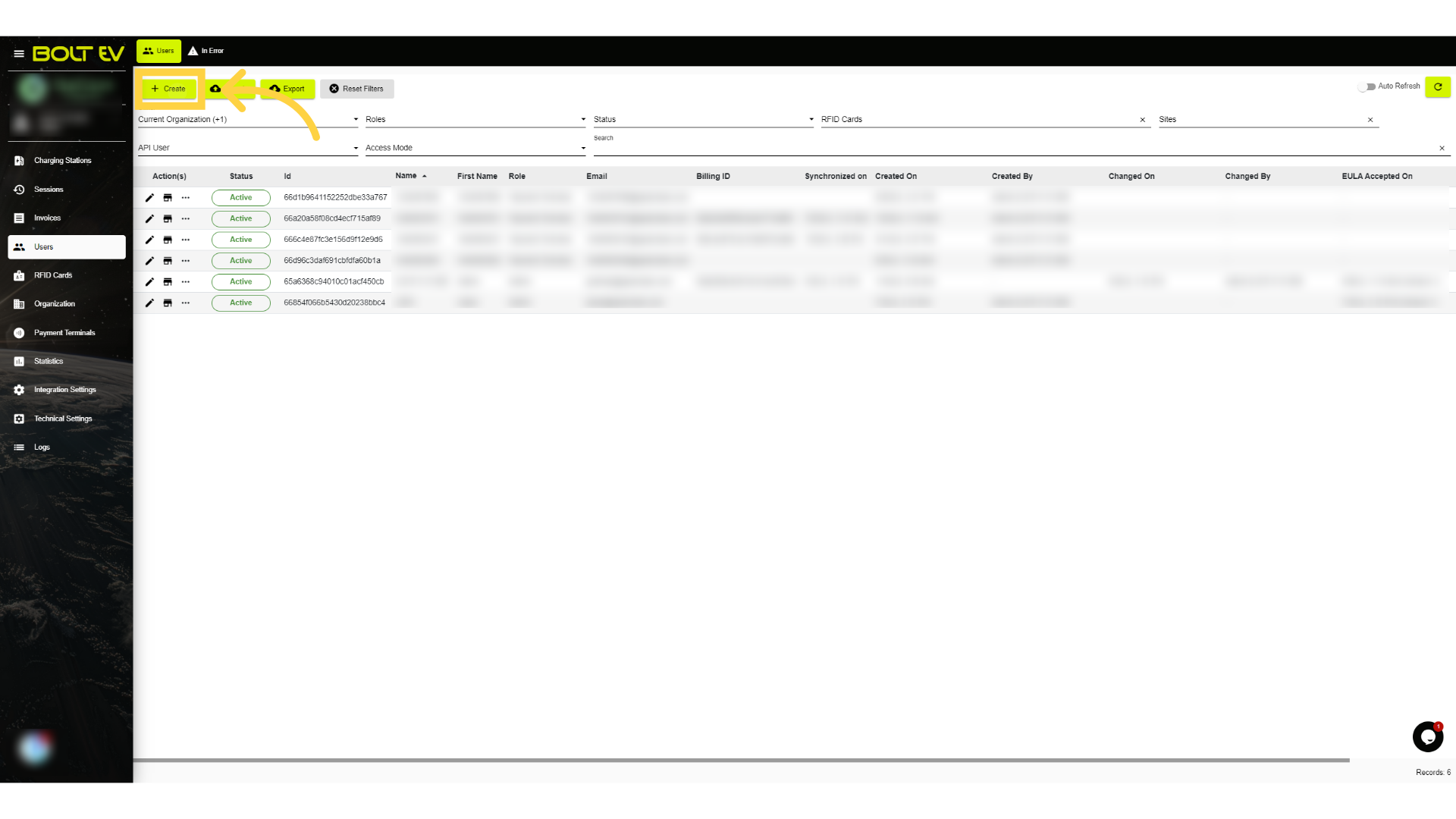
2. Click "Create"
Initiate the user creation process.
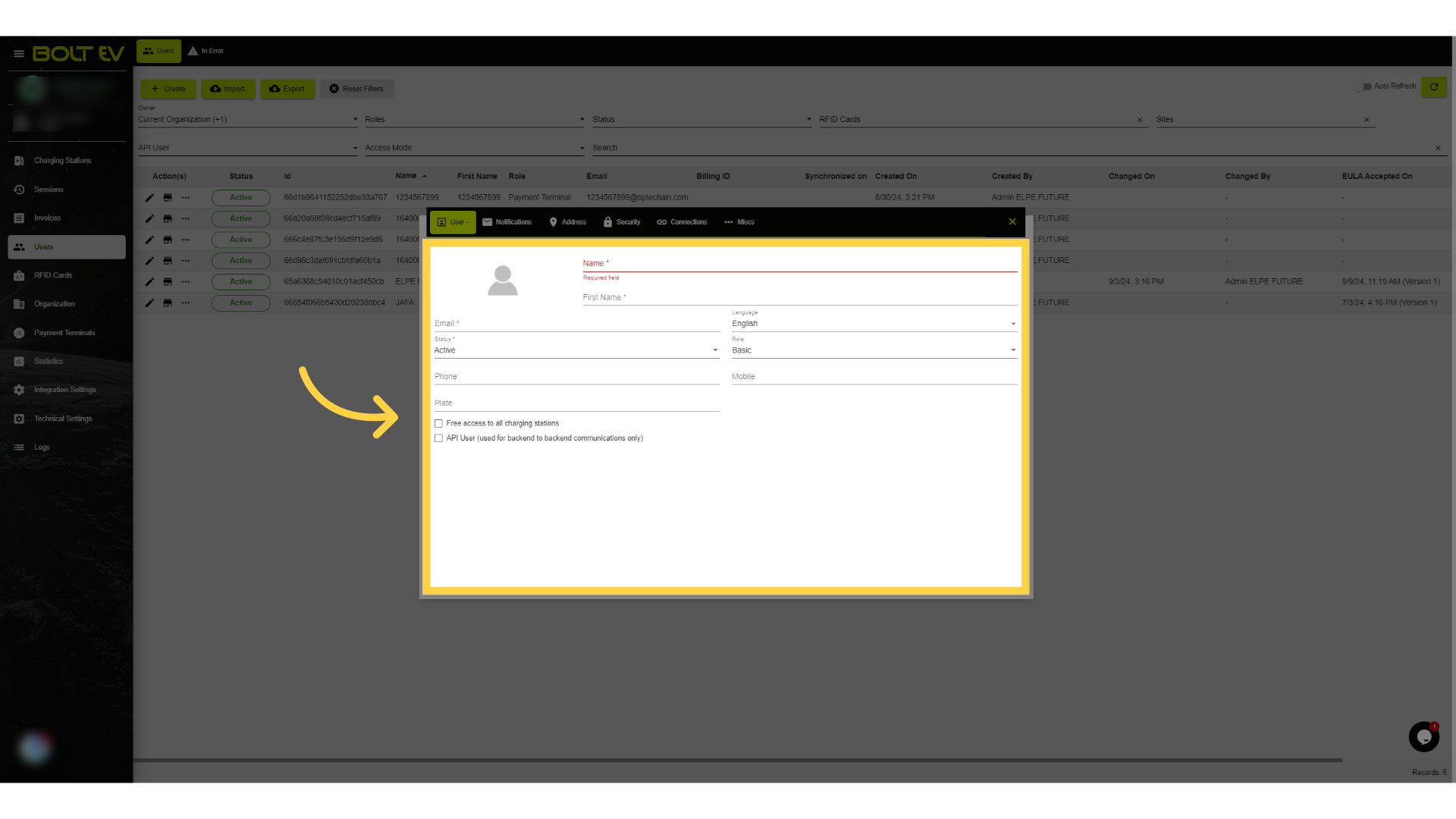
3. User's information
Fill in the user's details.
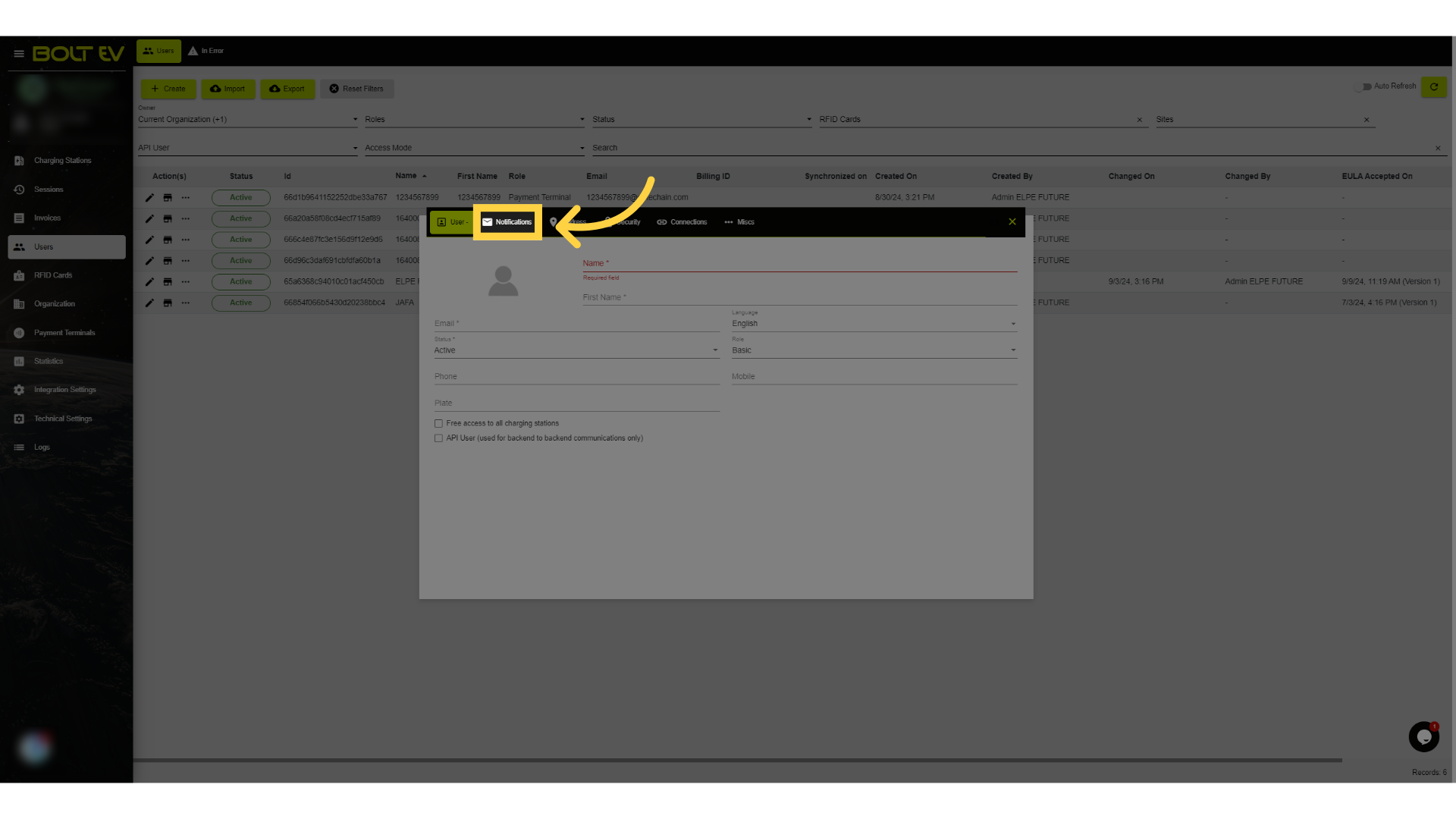
4. Click "Notifications"
Manage user notification settings.
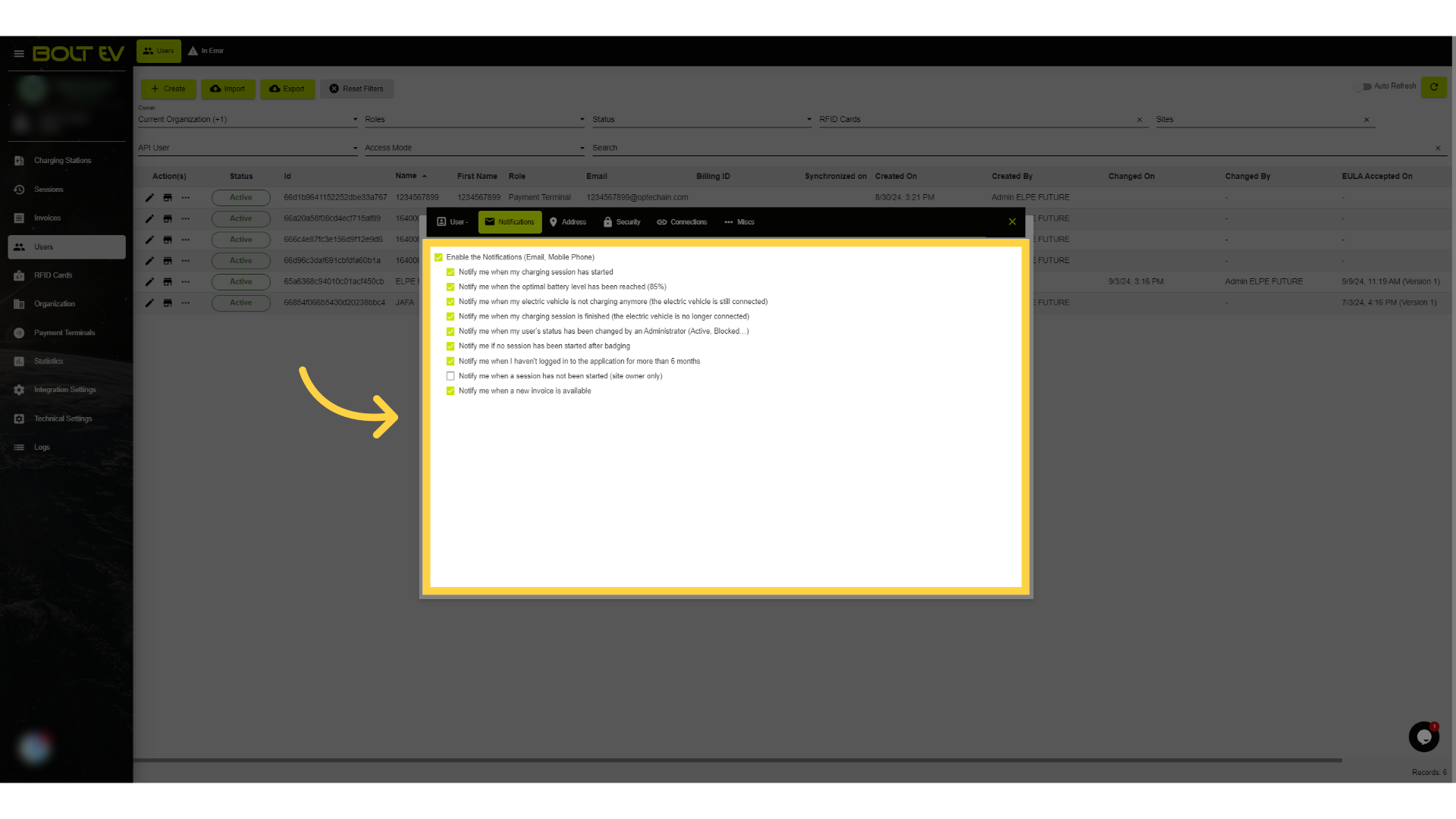
5. Notifications
Set up notification preferences.
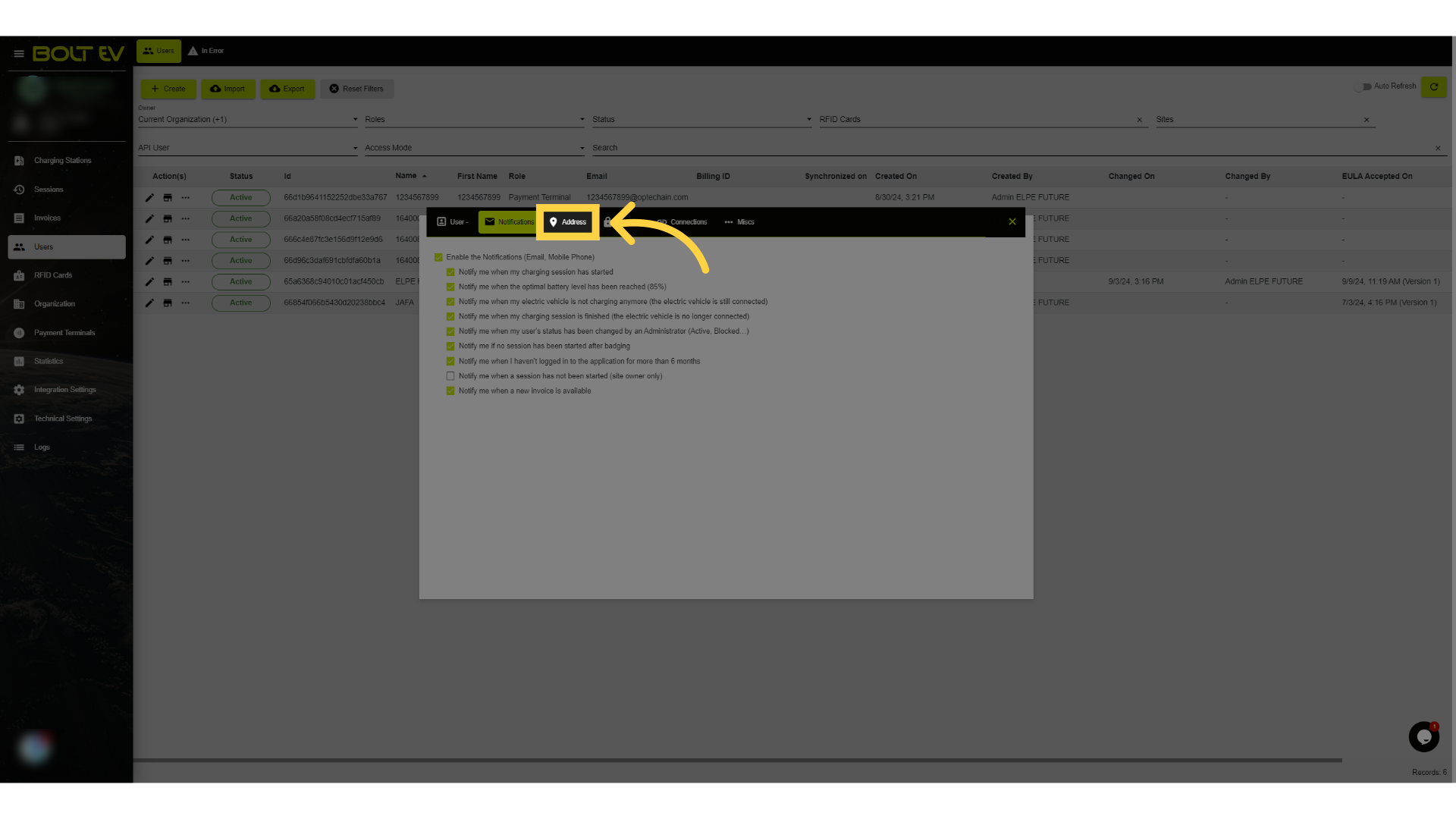
6. Click "Address"
Enter user's address information.
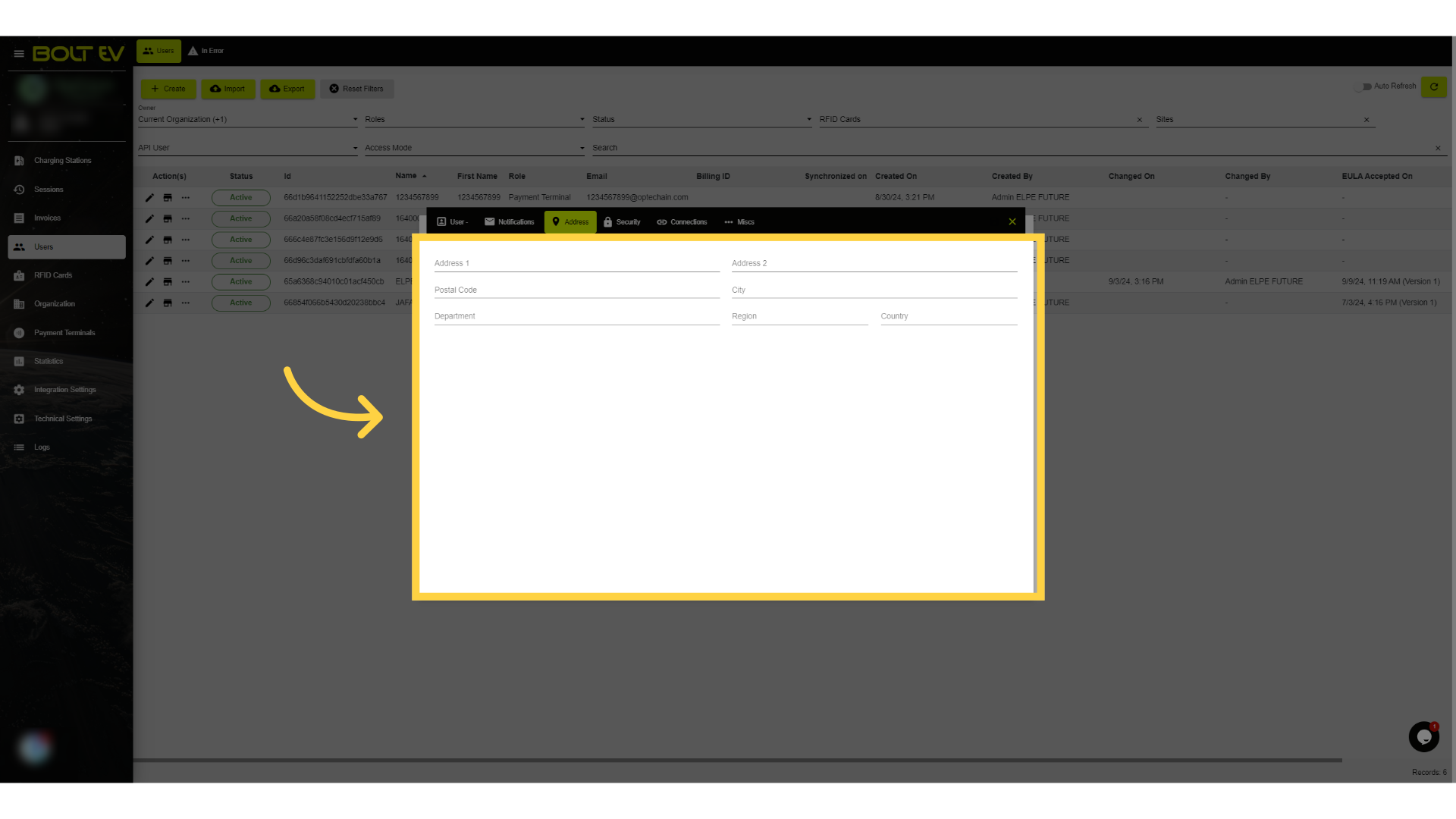
7. Enter Address
Input detailed address information.
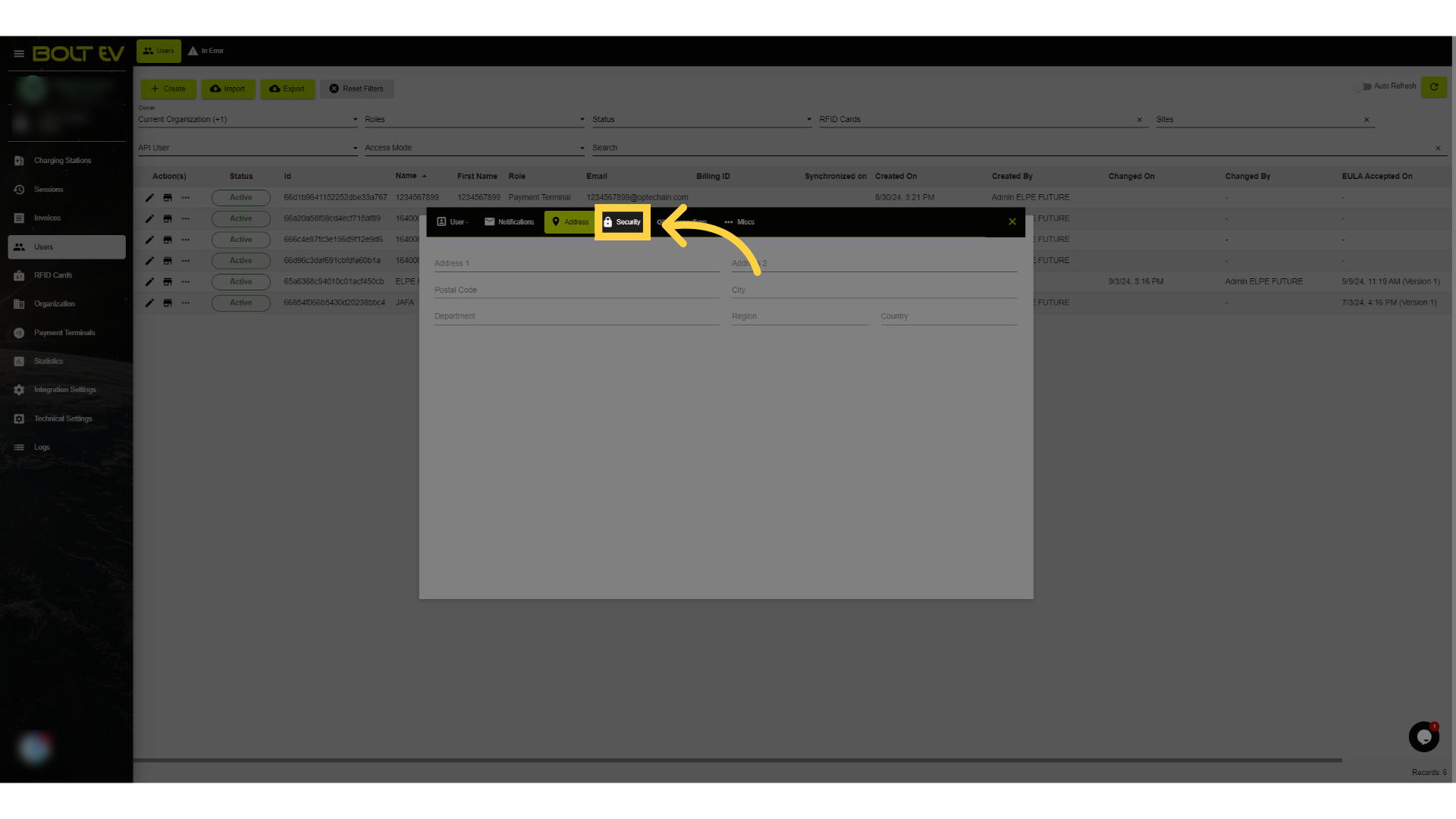
8. Click "Security"
Configure user security settings.
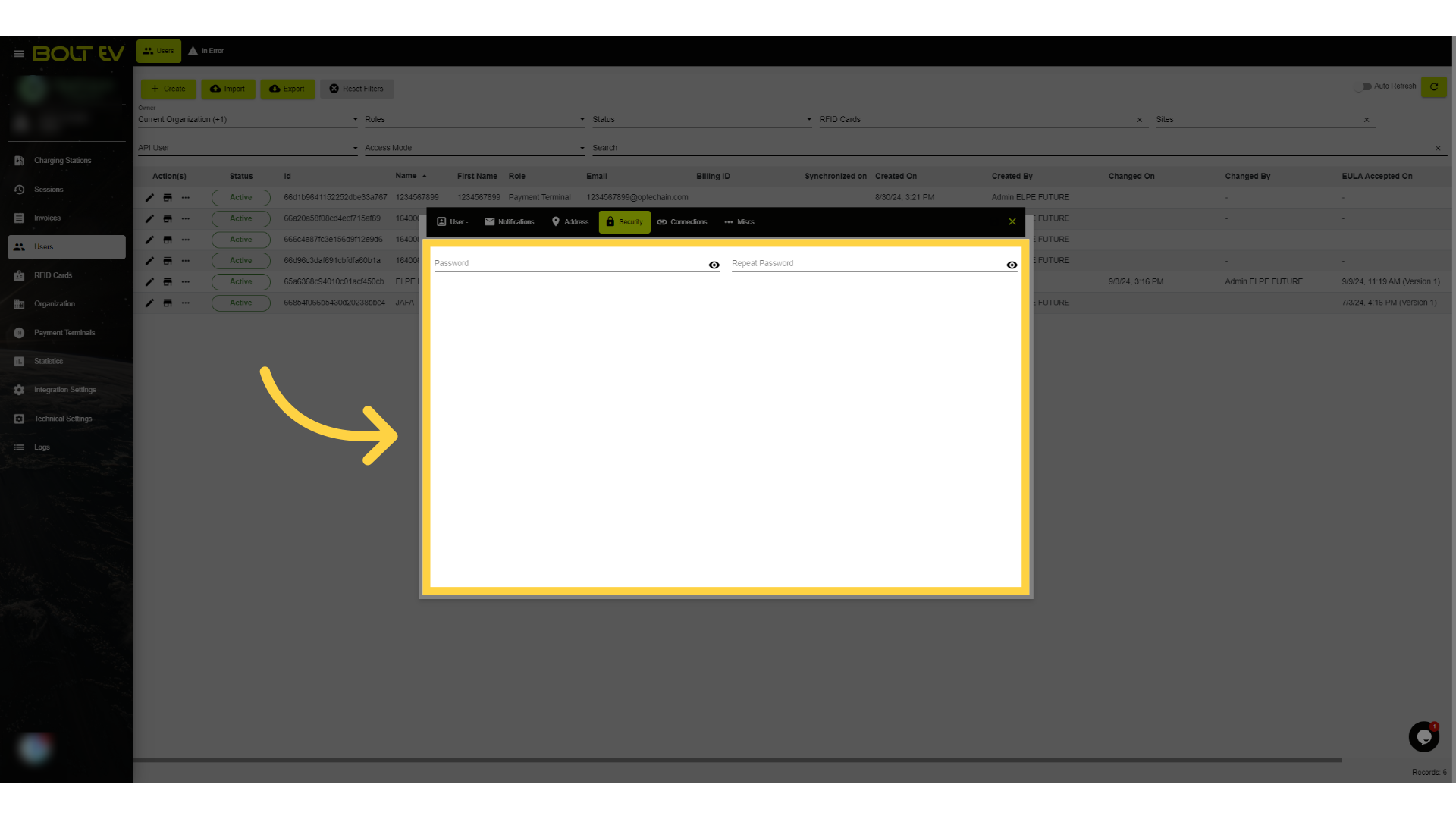
9. Enter User's password
Set user's password and visibility options.
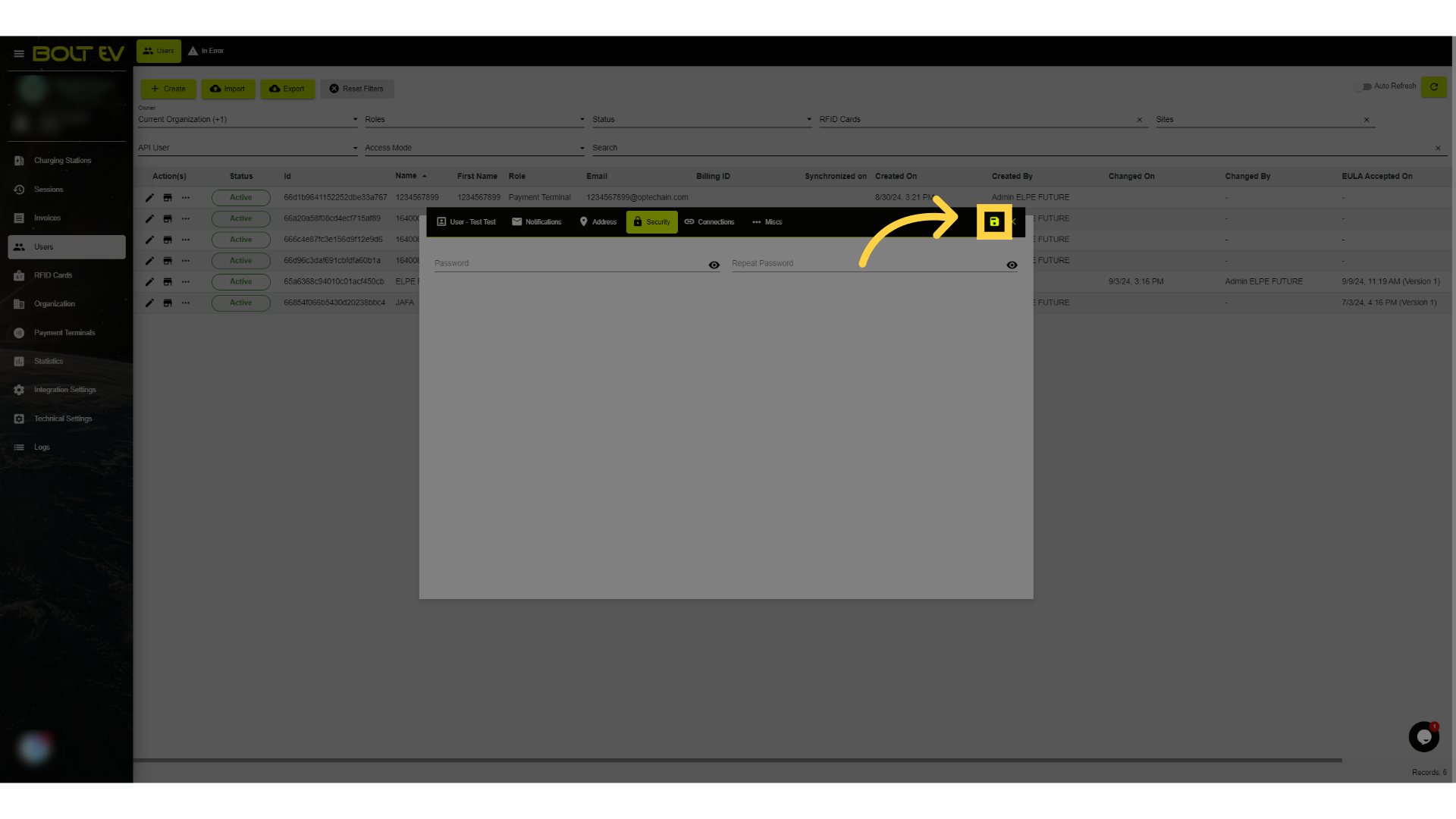
10. Click "save"
Save the user information.
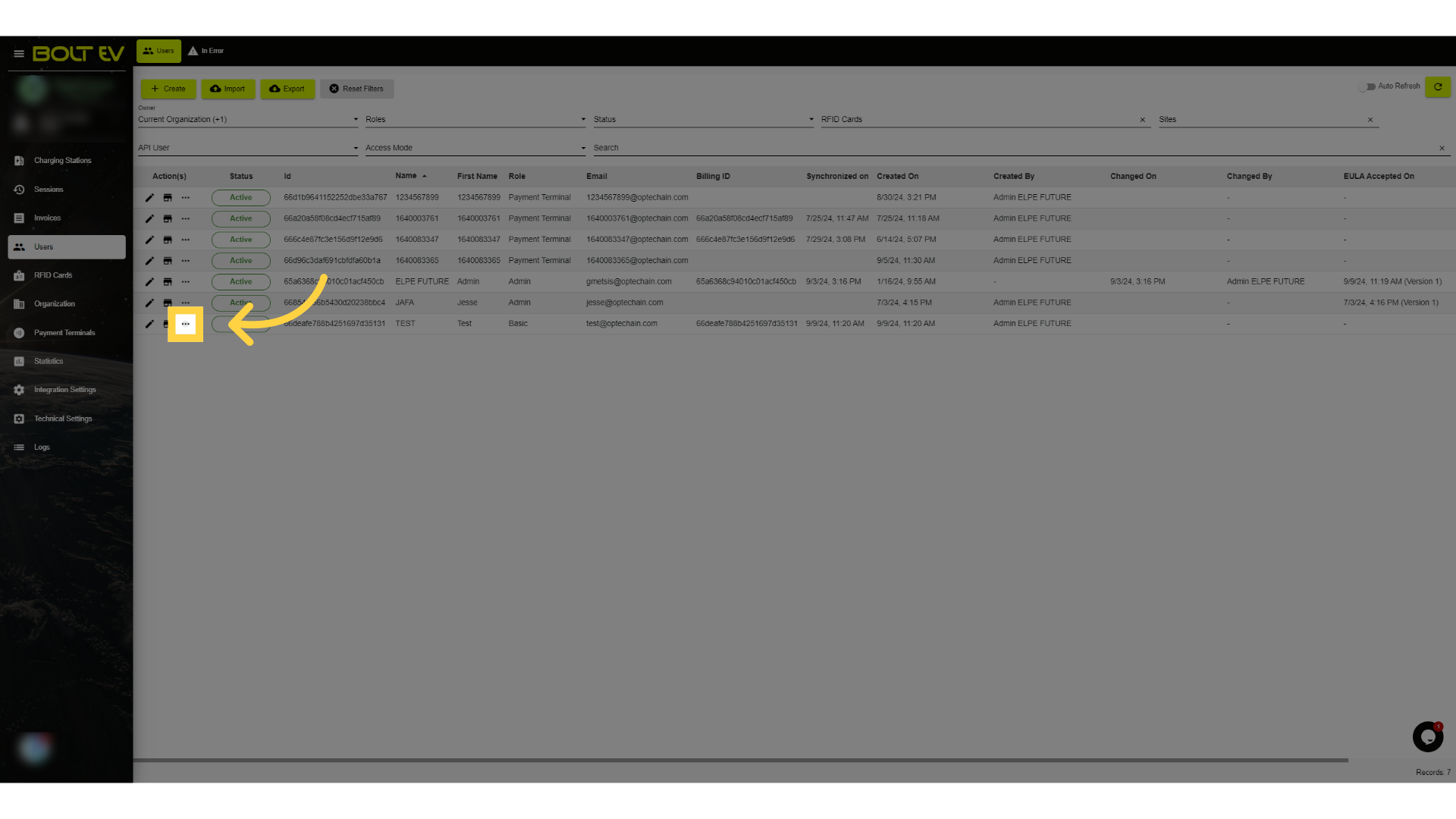
11. Click "More"
Access additional user options.
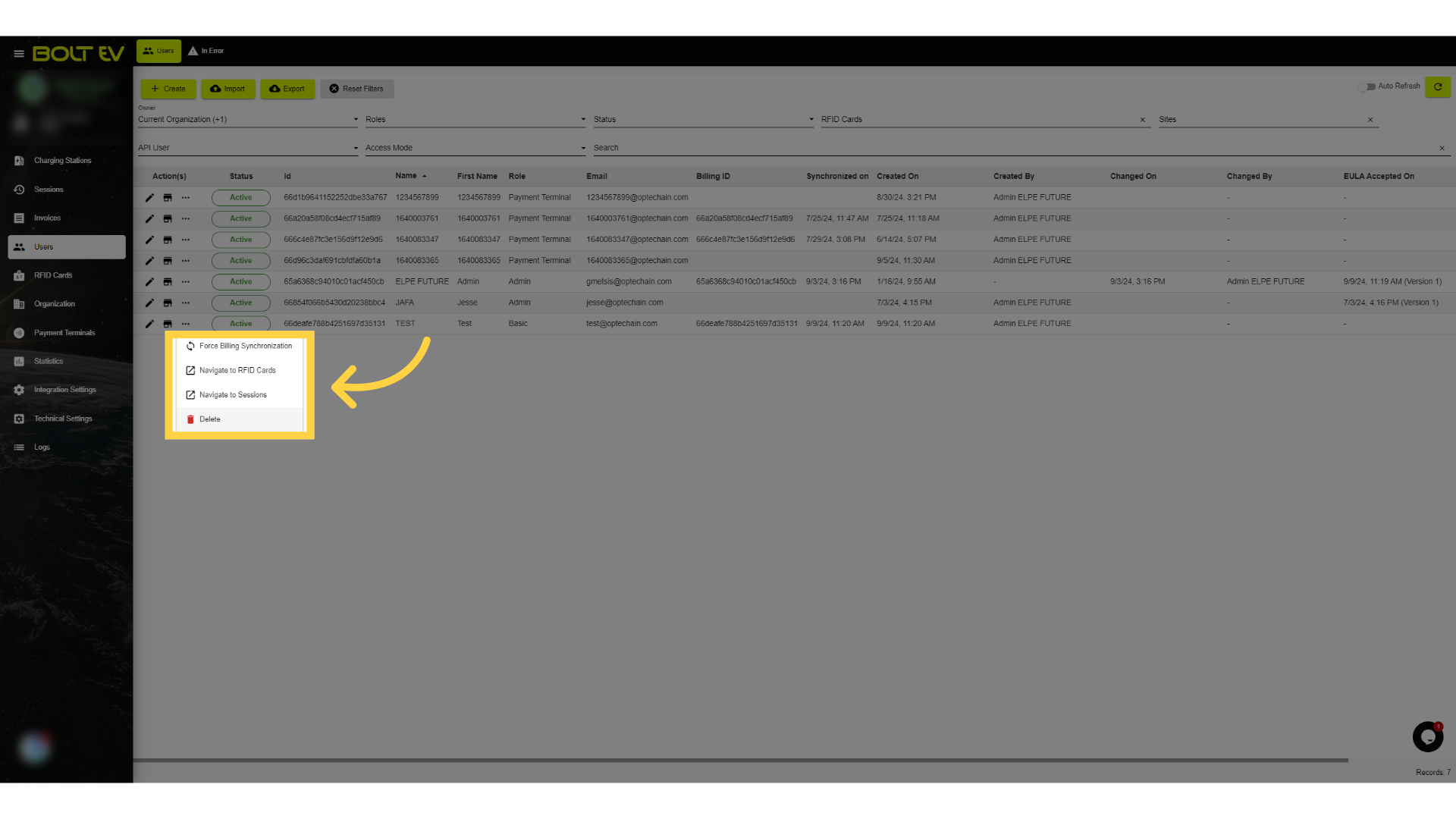
12. More Options
Delete the user.
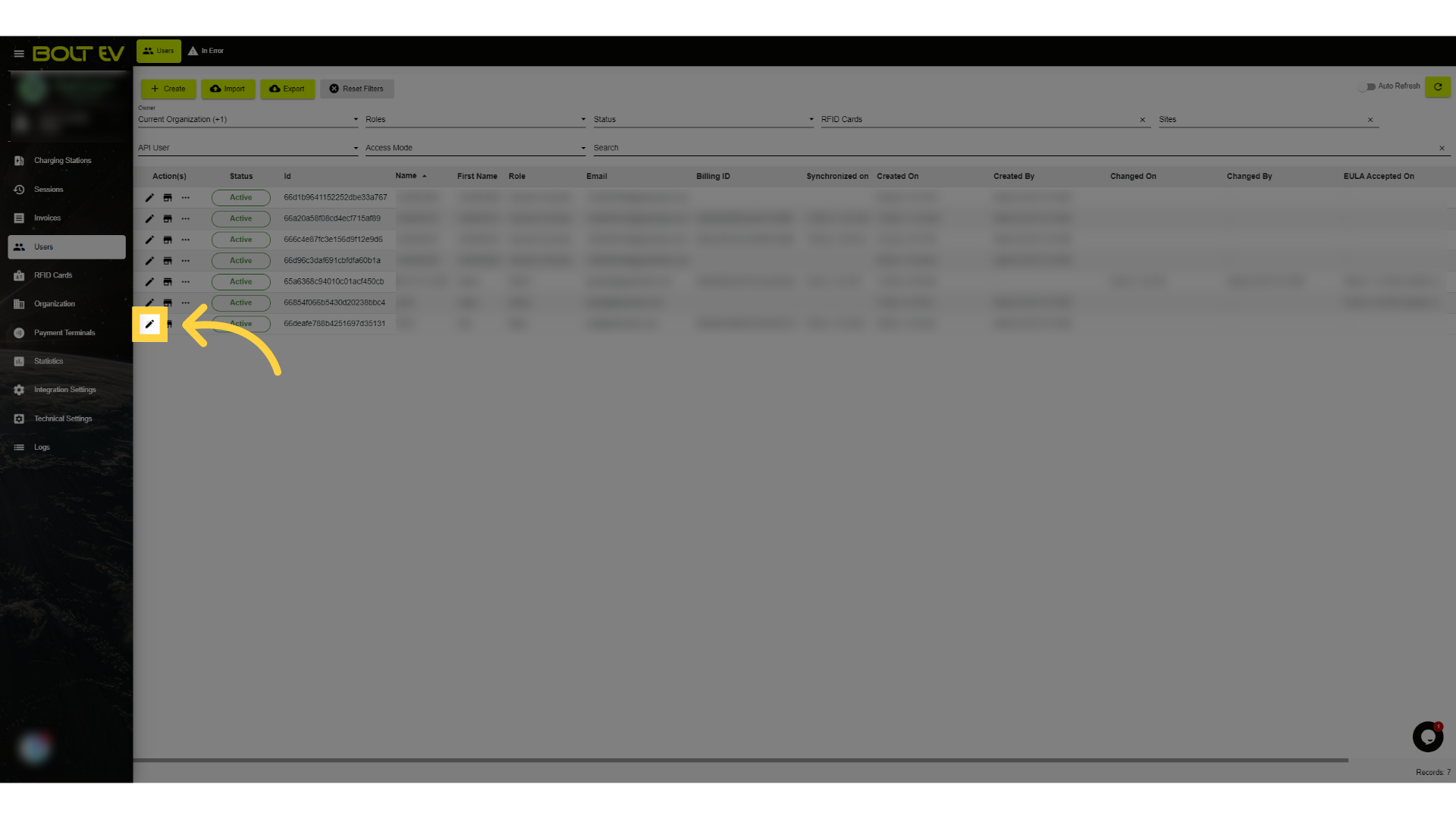
13. Click "edit"
Edit the user details.
This guide covered the steps to create a new user in Bolt EV application. Thank you for your attention, I hope to see you on the next one!